Make a Hotel Lobby-Style Video with Higgsfield
Prepare a motion reference and character photos, follow the Genjutsu workflow, and troubleshoot identity, occlusion and audio issues.
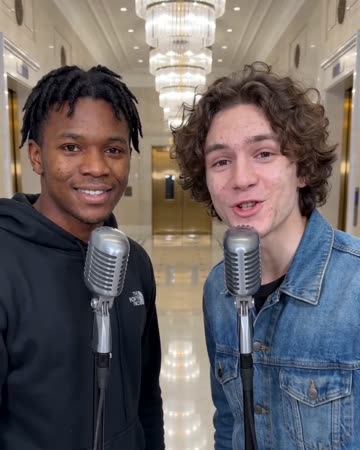
Decide what the reference should control
A motion-transfer project needs both character identity and a performance to follow. This guide uses Genjutsu → Motion transfer, the route described in Higgsfield’s official two-character tutorial. It is not a walkthrough of a dedicated button called Hotel Lobby. Official two-character guide
If you only have a photo and no particular performance to reproduce, use the photo-to-video guide. A motion reference adds control over timing, positions and camera movement, but requires another input.
Prepare the inputs
- A reference video. Genjutsu lists a 4–30-second input range. You could record your own eight-second exchange with a fixed phone camera and two people staying on their respective sides. Input requirements
- Character photos. Prepare clear images of both people. Distinct clothing and consistent left/right placement make your intended mapping easier to describe.
- A short replacement brief. Identify who belongs on each side, then describe the scene. Avoid changing clothing, camera movement, background and choreography in one first attempt.
For a simple reference, let the person on the left gesture during the first half and the person on the right respond during the second. Leave room around heads and elbows. These are preparation suggestions, not a promise that every gesture will transfer correctly.
Follow the Genjutsu route
- Open Video, choose Genjutsu, then Motion transfer. Object swap is a separate workflow.
- Add the reference video and character images. Start with one clear image per person and an explicit mapping.
- Describe the changes you want. For example:
Use the first character image for the person on the left and the second for the person on the right. Keep their positions, alternating performance and fixed camera. Place them on a simple orange stage with both faces visible.
- Choose the available quality setting and check the displayed generation cost before submitting.
- Review identity first, movement second and audio third. Matching a reference’s movement does not by itself establish that the original song or exact lip sync is included.
The navigation and sequence above follow Higgsfield’s documented workflow, checked October 28, 2026. Use the options shown in your account.
Fix the input responsible for the problem
Identities switch: check the left/right instructions and whether the reference includes crossing positions. Simplify the movement before adding more images.
A hand or microphone hides the mouth: inspect that moment in the reference. Another portrait cannot reliably fix an obstruction built into the performance; trim or re-record that section.
The motion feels crowded: reduce the reference to one continuous shot and one main gesture. Assemble additional shots later.
The audio is not the song you intended: listen to the exported track before editing. Add music separately when you need a particular recording. For exact spoken lines, prepare an actual performance and choose a tool that accepts it.
When a photo preset is enough
Glinno’s Hotel Lobby page accepts one photo and a five- or ten-second duration, then requests a video with sound using a preset. It has no motion-reference upload. Choose the workflow according to the input you need to control; the Glinno walkthrough covers the photo route.
Choose a related video effect
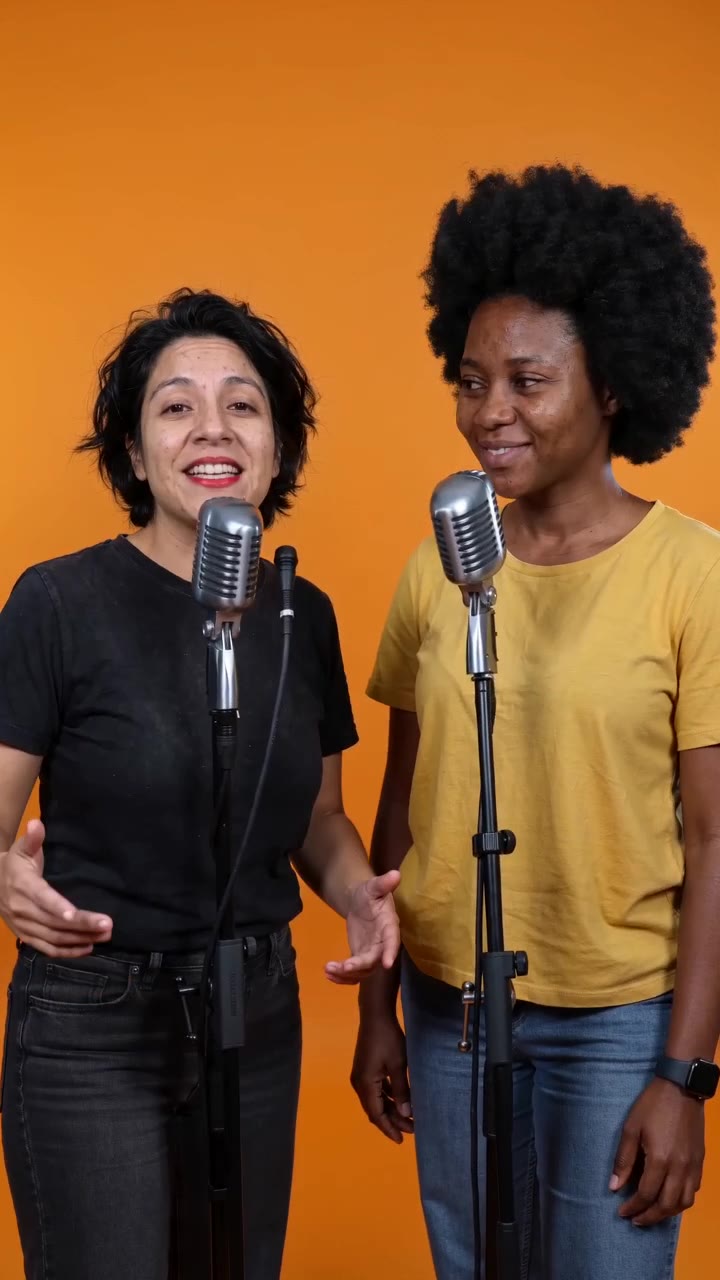
Hotel Lobby AI
Native-audio performance · photo to video
Keep exploring
Choose an AI Music Video Tool: Song to Final Edit
Compare the roles of Suno, Runway, CapCut and Glinno, then plan a 30-second music video around the inputs you already have.
Creative guides
Choose an AI Rap Tool: Song First or Video First?
Compare Suno’s song workflow with Glinno’s photo performance, then prepare your own brief and lyrics.
Creative guides4 Rap Duos: Learn the Exchange Through Their Tracks
Start with OutKast, Mobb Deep, UGK and Run The Jewels, using specific tracks to listen for leads, responses and handoffs.
Creative guides