Restore Old Photos: Prepare the Scan Before Animation
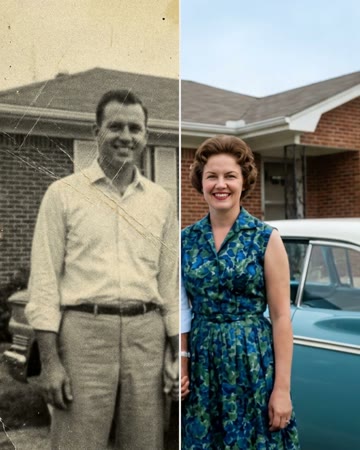
Restoration preparation starts with the physical image: a straight scan, minimal glare and a preserved original. Making a damaged photo move before reviewing those issues can amplify them across frames. This page is preparation guidance, not a still-image restoration service. It does not repair an uploaded scan, colorize it or certify newly filled facial details.
Prepare the original photo
- Keep the original safe and work from a copy; scan the photo straight with minimal glare.
- Check scratches, fading and blur before animating. Use a separate restoration tool if repairs are needed.
- Review restored faces against the original before choosing an animation or hug effect.
Frequently asked questions
Where is the restoration upload form?
There is no standalone restoration uploader on this page. Prepare the photo elsewhere, then use the linked animation tool if appropriate.
Should I edit the only scan?
Keep an untouched original and edit a duplicate so mistakes or unwanted interpretations are reversible.
What should be fixed before animation?
Prioritize glare, crooked framing and damage crossing facial features; inspect whether enough real detail remains to recognize the person.
Does invented detail count as recovered history?
No. Keep uncertain reconstruction distinct from details genuinely visible in the original photograph.