
Anniversary Song Visuals: Build Around a Shared Memory
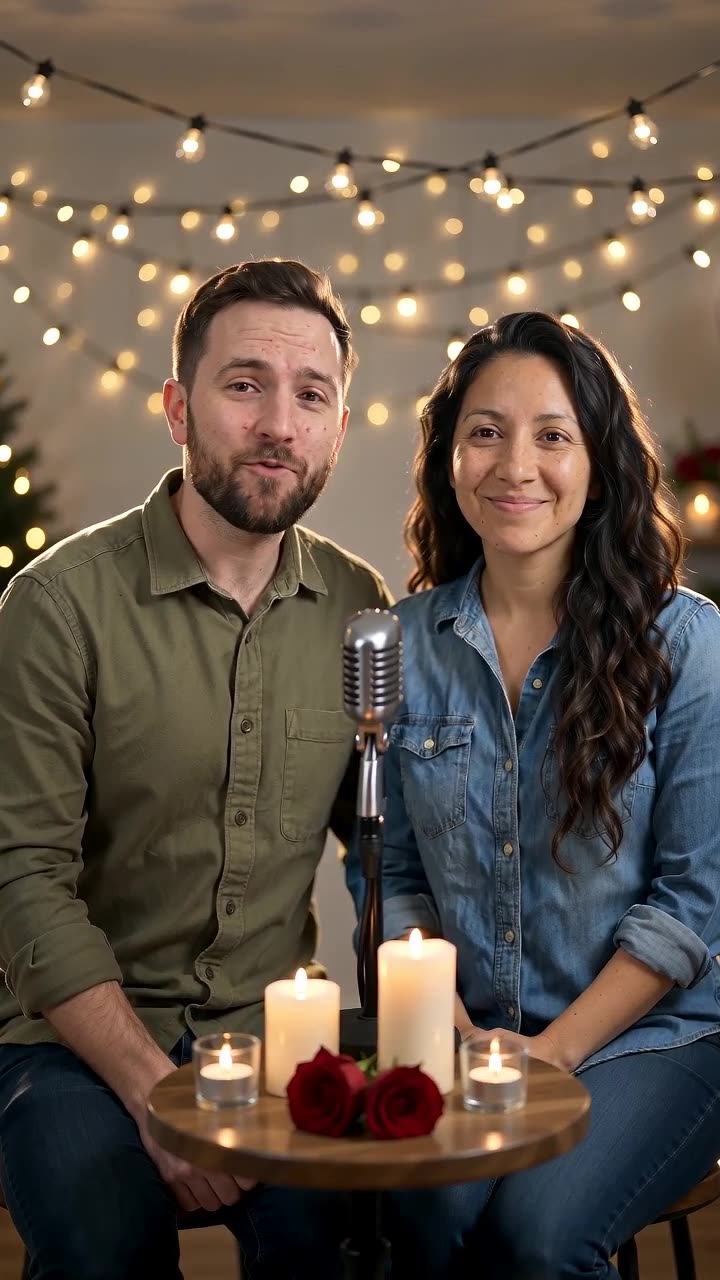
Warm lighting, small exchanged glances and natural smiles give the couple a quiet anniversary moment. Use the finished shot alongside your own memories and wording in a longer edit. The preset requests a short anniversary vocal performance and soft backing music.
Place the shot between an older photograph and a recent one. Keep the original anniversary vocal or edit the audio afterwards, adding exact dates as checked captions.
Inside this effect
A candlelit anniversary duet
At a table under string lights, the pair sing a brief greeting, exchange an affectionate glance and smile toward the camera. Microphones stay below the faces so the expressions remain central.
What makes the composition readable
Choose the memory before choosing captions. A place, a journey or an ordinary habit can connect the animated photo with the real album images that follow.
Sound in a new creation
A short original anniversary vocal and gentle accompaniment are included. The form does not take a date, name or relationship story.
Choose the output for your edit
New drafts start at 12 seconds, 720p and vertical 9:16. Advanced shows the models and compatible lengths, resolutions and formats. Check the total credits before generating; the options follow the selected model.
From source photo to finished clip
Add one clear portrait per person or use a shared photo. In separate-photo mode, check the prepared two-person composition before submitting.
Choose the anniversary memory
Select a photo linked to a specific moment you both recognize.
Inspect the exchanged look
Review eyes, smiles and facial continuity before keeping the shot.
Connect the years
Listen to the original anniversary vocal excerpt, then arrange exact dates and real album images into the piece.
Ways to use the result
Then and now
Place the duet between an older photo and a recent one; add dates only as verified captions.
A private video letter
Use the sung greeting as a pause between your own written messages and real memories.
Prepare the source for this movement
- Choose a couple photo with similar face sizes.
- Keep both eyes visible for the glance exchange.
- Prefer relaxed posture over a complex embrace.
The preset generates a short anniversary-themed vocal and gentle backing, not a full custom song. There are no name, date or memory fields, and expressions and movement can be reinterpreted.
Frequently asked questions
Why does the name say personalized?
Your supplied faces personalize the scene. There is no custom lyric, name or date entry on this page.
Where should the anniversary date appear?
Add it in editing beside a still or during a quiet opening, keeping the couple's eyes unobstructed.
Can an old wedding photo be used?
Yes as a source if both faces remain clear; scan glare and heavy retouching can reduce usable facial detail.
Does it generate an anniversary soundtrack?
It requests a warm original anniversary vocal excerpt and backing music. Add exact dates, names and shared memories as captions or in a further edit.
Can I request a particular anniversary song?
The preset generates a short original greeting. Use your editor to add a chosen track afterwards when you have permission to use it.
Where is the cost shown, and what if generation fails?
The generation button shows the total for your selected model and output settings. Credits are deducted when the task is created; credits for a task confirmed failed are returned. Review the displayed total rather than assuming every model costs the same.
Explore another direction

Love Song Video
Valentine edits
One partner gently strums an acoustic guitar while the pair sing a short love-song phrase. Shared glances and a quiet finish keep the relationship central, with hands and instruments visible for review.
Slow Dance AI
anniversary
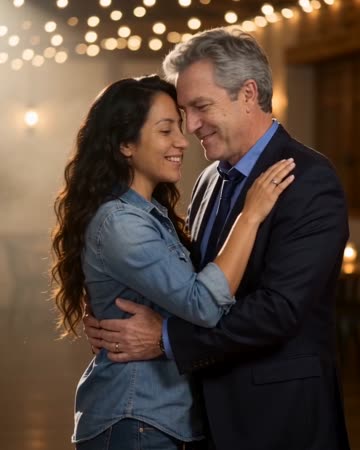
Two people take a comfortable dance hold, sway together and complete a gentle turn beneath warm lights. A slow camera arc keeps attention on the faces before a relaxed embrace.
AI Hug Generator
reunion edits
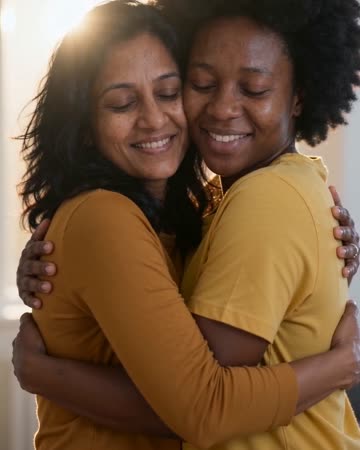
The pair move closer and bring their arms together while the camera stays steady. Leave shoulder space in the starting composition so the contact can develop visibly rather than beginning with tangled limbs.
Anniversary Song Video
Select a photo linked to a specific moment you both recognize.
Create this effect