
Love Song Visuals: Let a Small Glance Carry the Story
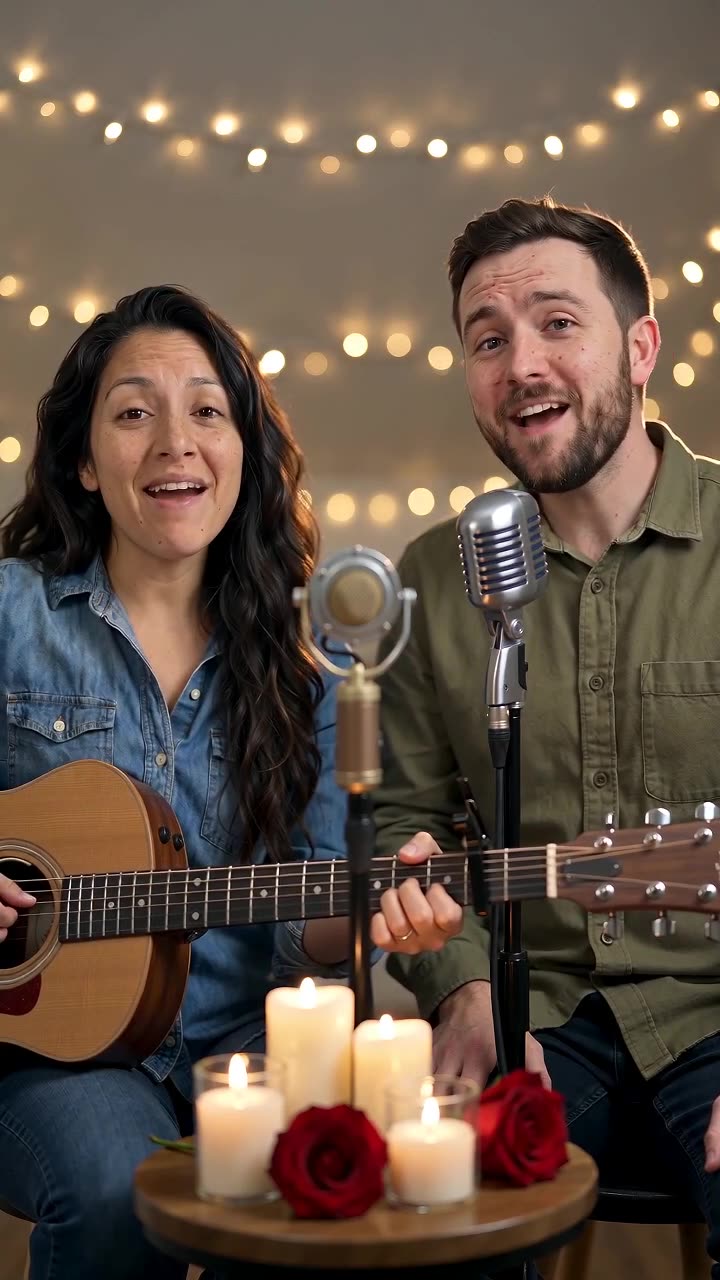
Create an intimate duet at a candlelit table beneath warm string lights. A brief original love-song phrase and gentle acoustic-guitar motion give the pair a shared musical moment.
Use the shot in a private video letter, a proposal-memory montage or a couple profile. Add personal words outside the generated image for reliable readability.
Inside this effect
A guitar duet at a candlelit table
One partner gently strums an acoustic guitar while the pair sing a short love-song phrase. Shared glances and a quiet finish keep the relationship central, with hands and instruments visible for review.
What makes the composition readable
Choose a line in the song that matches the photo's mood. Keep captions brief enough that viewers can still notice the exchange between the two faces.
Sound in a new creation
Original romantic vocals and soft backing support the guitar scene. No singer-voice selection or uploaded love-song track is provided.
Choose the output for your edit
New drafts start at 12 seconds, 720p and vertical 9:16. Advanced shows the models and compatible lengths, resolutions and formats. Check the total credits before generating; the options follow the selected model.
From source photo to finished clip
Add one clear portrait per person or use a shared photo. In separate-photo mode, check the prepared two-person composition before submitting.
Match the lyric mood
Choose a relaxed pair whose expressions suit the warm, short guitar-duet direction.
Review the quiet interaction
Inspect eye direction and the distance between faces during movement.
Write the video letter
Listen to the short love-song phrase and backing music, then add a personal message while preserving the exchanged glance.
Ways to use the result
A personal video letter
Follow the sung phrase with your own words so the most personal message remains exactly what you intended.
An anniversary interlude
Place the duet between real shared memories and keep the edit paced around the exchanged glance.
Prepare the source for this movement
- Select a relaxed two-person pose.
- Avoid one face being hidden by a kiss or shoulder.
- Keep a little space for a gentle lean.
The output includes an original short love-song phrase and gentle backing, with model-generated performance and mouth movement. There are no full-lyrics, singer-voice or external-track controls; review pronunciation and facial detail.
Frequently asked questions
Do we need to face each other in the source?
No, but both faces should be visible. Strong profiles or overlap reduce the detail available for a believable glance.
Can it recreate a real romantic moment?
It interprets the source creatively rather than recovering the original movement or emotions.
Should captions follow every lyric?
For a short visual, one relevant line or personal message often leaves more room for the faces.
Is the love-song audio generated here?
It requests a brief original love-song vocal and backing music, not a full custom song. Continue with personal captions or additional shots if you want to tell your own story.
Can I choose who plays the guitar?
The fixed preset assigns the action during generation. Inspect hand position, the guitar and both faces in the result.
Can I supply our own song?
There is no audio-upload control here. You can replace or edit the soundtrack after downloading.
Where is the cost shown, and what if generation fails?
The generation button shows the total for your selected model and output settings. Credits are deducted when the task is created; credits for a task confirmed failed are returned. Review the displayed total rather than assuming every model costs the same.
Explore another direction

Anniversary Song Video
anniversary keepsakes
At a table under string lights, the pair sing a brief greeting, exchange an affectionate glance and smile toward the camera. Microphones stay below the faces so the expressions remain central.
Slow Dance AI
anniversary
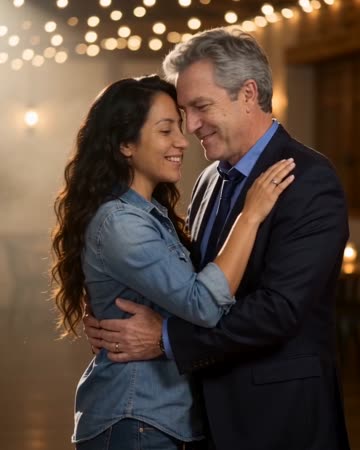
Two people take a comfortable dance hold, sway together and complete a gentle turn beneath warm lights. A slow camera arc keeps attention on the faces before a relaxed embrace.
AI Music Video
Native-audio performance · photo to video
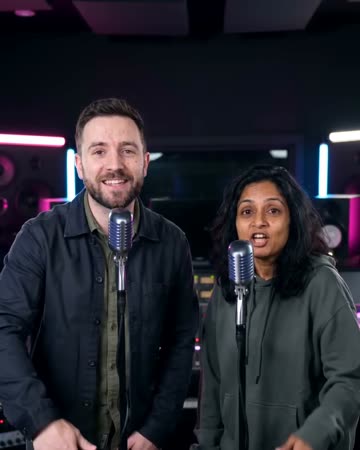
Warm marble, receding chandeliers and a gradual approach frame a brief vocal performance. A solo source keeps one singer; two people exchange phrases and glances at a shared microphone.
Love Song Video
Choose a relaxed pair whose expressions suit the warm, short guitar-duet direction.
Create this effect