AI Music Video: Design One Shot for a Larger Edit
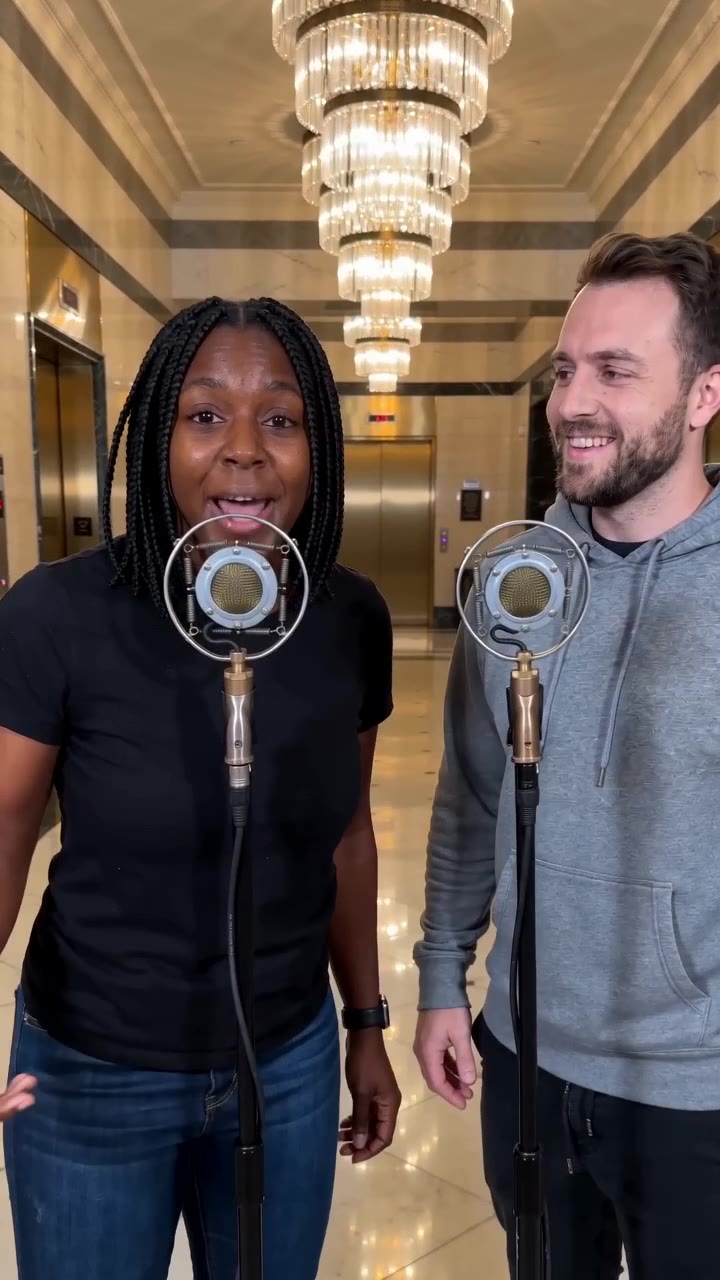
Create a short original vocal performance in a warm marble lobby. Chandeliers establish depth while a slow camera approach keeps attention on the singer or pair.
Combine the lobby performance with real instruments, location footage or cover artwork. Alternate visual scale instead of repeating the same push-in throughout a whole song.
Inside this effect
A melodic lobby performance
Warm marble, receding chandeliers and a gradual approach frame a brief vocal performance. A solo source keeps one singer; two people exchange phrases and glances at a shared microphone.
What makes the composition readable
Let the shot have one job: introduce the performer, hold a lyric line or bridge two locations. Planning that job first makes it easier to select a useful source photo.
Sound in a new creation
The clip includes a short original sung phrase and instrumental backing. It is not synchronized to an uploaded full song.
Choose the output for your edit
New drafts start at 12 seconds, 720p and vertical 9:16. Advanced shows the models and compatible lengths, resolutions and formats. Check the total credits before generating; the options follow the selected model.
From source photo to finished clip
Start with a solo or shared photo, or choose two separate sources when the idea includes a pair. Confirm the crop and current settings before generating.
Assign the shot a role
Choose a clear portrait or pair for the warm lobby singing shot; no lyric or audio file is uploaded here.
Check light and approach
Inspect the face, shared microphone and lobby reflections as the camera moves closer.
Build the sequence
Replay the generated vocals, backing music and visuals first. For a longer piece, combine other shots while keeping audio transitions natural.
Ways to use the result
A refrain insert
Use the lobby shot for one musical phrase, then cut to instruments or location footage for a wider sequence.
A cover-art reveal
Begin with album artwork and reveal the person singing; add the release title in your editor.
Prepare the source for this movement
- Select a portrait with separation around the shoulders.
- Keep the eyes readable under existing lighting.
- Reserve a side area for later lyrics or credits.
The tool generates a video excerpt with a brief original vocal and backing music, not an automatically assembled full music video. It accepts no full-song or lyrics file and does not promise exact synchronization to an external track.
Frequently asked questions
Will it assemble a whole music video?
It creates one short excerpt. Assemble a longer sequence and add exact song sections in an editor.
What does the lobby add to the performance?
Marble reflections and receding chandeliers create depth while the singer remains the focus.
Will my track control camera cuts?
There is no track-analysis or automatic cut control here. Choose cuts after placing the downloaded shot against your audio.
How do repeated performance inserts stay varied?
Combine the lobby shot with real instruments, location footage or cover art rather than repeating one push-in across a whole song.
Can two people sing together?
A pair can appear from separate portraits or a shared image. Review both mouths and the microphone during the exchange.
Where is the cost shown, and what if generation fails?
The generation button shows the total for your selected model and output settings. Credits are deducted when the task is created; credits for a task confirmed failed are returned. Review the displayed total rather than assuming every model costs the same.
Explore another direction
Luxury Lobby AI
Native-audio performance · photo to video
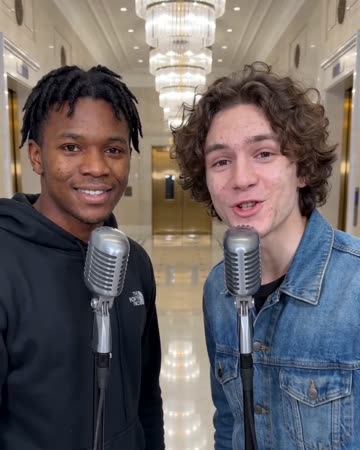
Warm marble and soft reflections establish a spacious lobby while a small push-in follows the performer. Keep the face as the anchor rather than letting the architecture become a property tour.
Studio Booth AI
Native-audio performance · photo to video
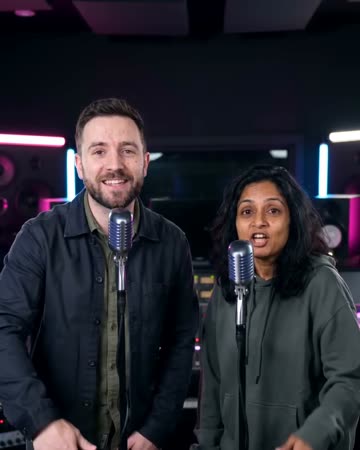
A dark recording booth and soft rim light frame natural microphone gestures. Equipment stays softly out of focus so the mouth, hands and expression carry the intimate performance.
Love Song Video
Valentine edits
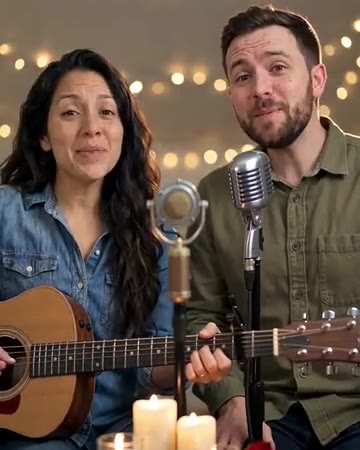
One partner gently strums an acoustic guitar while the pair sing a short love-song phrase. Shared glances and a quiet finish keep the relationship central, with hands and instruments visible for review.
AI Music Video
Choose a clear portrait or pair for the warm lobby singing shot; no lyric or audio file is uploaded here.
Create this effect