Personalized Birthday Visuals: A Greeting With One Real Memory
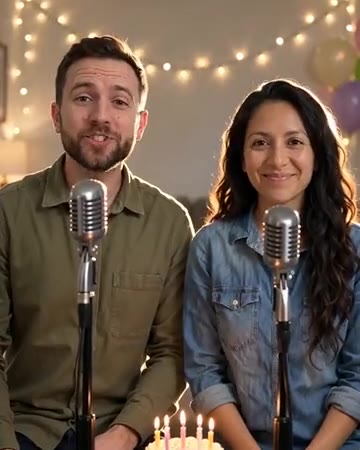
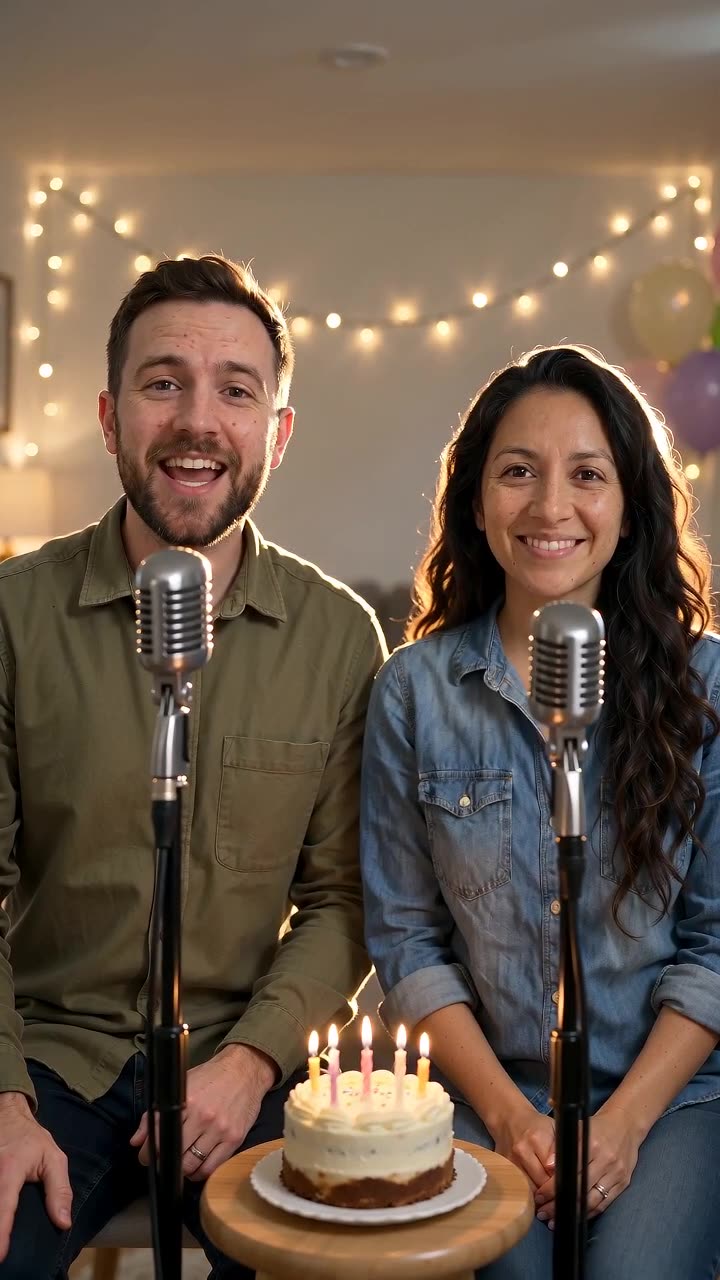
Personalization comes from details you know about the recipient. This direction gives a birthday portrait a small celebratory movement and a glance toward the camera, leaving space for your greeting. The preset requests a short original birthday song and celebratory music.
Use it as a greeting card with audio or the closing shot of a birthday album. Keep the original birthday track and add the name in clear captions, replaying before export.
Inside this effect
A birthday portrait that sings
A small celebratory movement and a glance toward the camera accompany the birthday moment. One person can carry the greeting; an optional companion can remain in the scene.
What makes the composition readable
Keep the message focused: address the person, mention one shared memory and end with a wish. That structure can fit a short visual without turning it into a crowded slide.
Sound in a new creation
An original short birthday melody and backing are generated. Exact names, ages and a word-for-word message are not supplied through this form.
Choose the output for your edit
New drafts start at 12 seconds, 720p and vertical 9:16. Advanced shows the models and compatible lengths, resolutions and formats. Check the total credits before generating; the options follow the selected model.
From source photo to finished clip
Start with a solo or shared photo, or choose two separate sources when the idea includes a pair. Confirm the crop and current settings before generating.
Write the personal detail
Choose one memory rather than a list of generic wishes.
Review the greeting expression
Check that the generated gaze and smile still resemble the person.
Assemble the birthday card
Listen to the birthday excerpt, then add the exact name and message in an editor; rework the audio if you need specific sung wording.
Ways to use the result
A moving greeting card
Keep the sung portrait as the center and add a clear greeting beside it rather than across the mouth.
The closing wish
End a sequence of real photographs with the birthday performance and your own final line.
Prepare the source for this movement
- Choose a recent photo the recipient likes.
- Keep the gaze and smile easy to read.
- Leave clean space below the shoulders for the wish.
The preset generates a short original birthday song and backing, but the form has no custom-name or lyrics field. Exact word-for-word greetings require further editing or a dedicated customization workflow.
Frequently asked questions
What makes this more personal than a generic greeting?
Use a real nickname or shared event in the edit, keeping the portrait as the emotional focus.
Can I change the birthday age?
There is no age field. Add the correct age as checked text in the final edit.
Does a casual selfie suit a birthday card?
A clear, flattering selfie can work well; meaningful context can come from the captions rather than party props.
How is this different from Funny Birthday?
This direction favors a warm personal greeting. Funny Birthday emphasizes the setup and comic reaction.
Is it different from Birthday Rap?
This direction uses a sung birthday greeting. Birthday Rap emphasizes alternating rhythmic lines between two performers in a studio.
Where is the cost shown, and what if generation fails?
The generation button shows the total for your selected model and output settings. Credits are deducted when the task is created; credits for a task confirmed failed are returned. Review the displayed total rather than assuming every model costs the same.
Explore another direction
Birthday Rap Video
Native-audio performance · photo to video
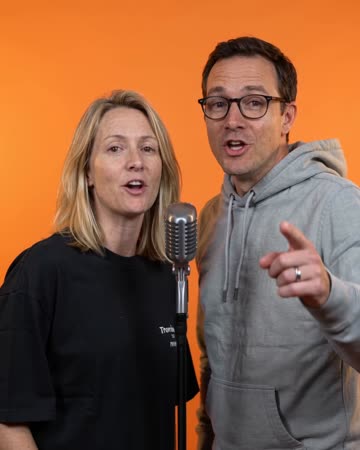
The birthday person and companion perform at microphones in a blue-and-red studio. A short greeting prompts a reaction and answer, ending with smiles toward the camera.
Funny Birthday Video
Native-audio performance · photo to video
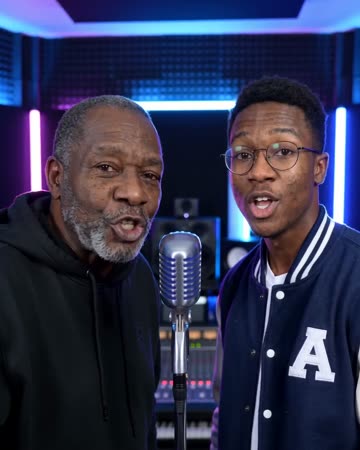
A blue-and-red studio hosts a playful greeting, a friendly surprised look and a laugh. A solo photo keeps the greeting and reaction with one person; a pair can respond to each other.
Christmas Song Video
Christmas greetings
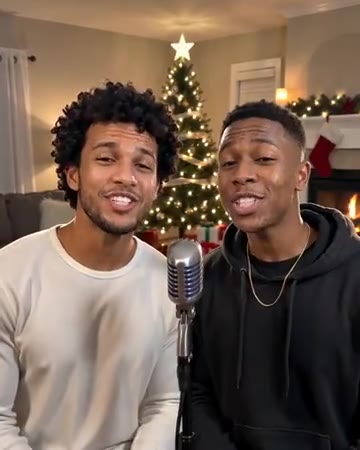
Indoor warmth, restrained Christmas-tree lights, smiles and a small wave build the greeting. The movement stays gentle so the people remain more readable than the decorations.
Birthday Song Video
Choose one memory rather than a list of generic wishes.
Create this effect