Funny Birthday Video: Build a Clear Surprise and Punchline
A birthday joke works when the setup and reaction are easy to follow. This preset aims for friendly surprise and celebratory gestures, leaving the punchline to your edit rather than overwhelming the face with distortion. The preset requests playful birthday greetings and light music.
Make a group-chat greeting, a party-screen interlude or the comic break inside a sentimental montage. Keep the humor appropriate for the recipient and audience.
Inside this effect
Let the reaction carry the joke
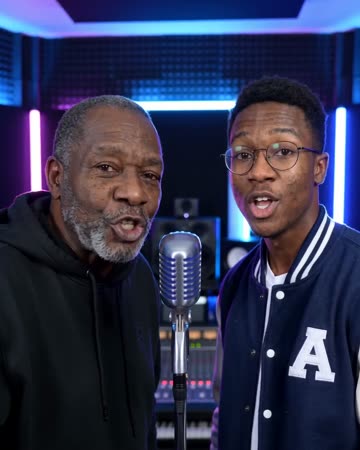
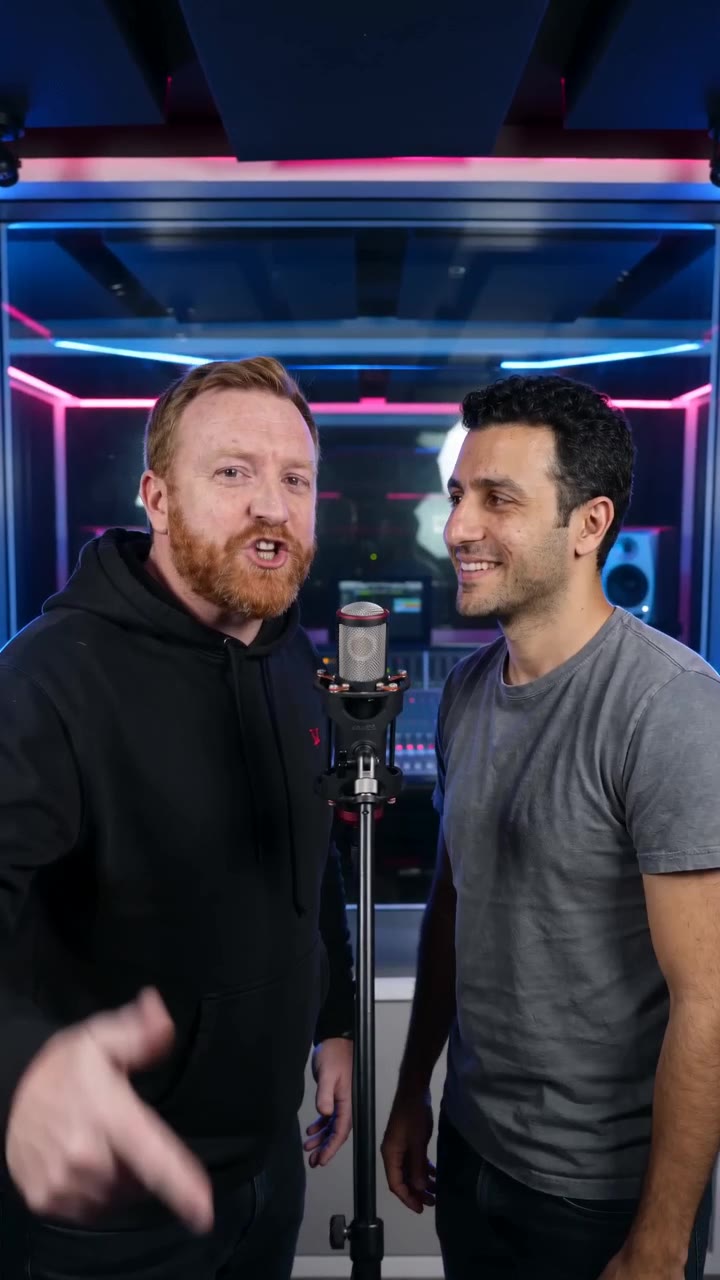
A blue-and-red studio hosts a playful greeting, a friendly surprised look and a laugh. A solo photo keeps the greeting and reaction with one person; a pair can respond to each other.
What makes the composition readable
Choose one joke the recipient will recognize. A familiar phrase or shared memory can be revealed after the first reaction, giving the viewer a reason to watch the short shot through.
Sound in a new creation
A short playful birthday greeting, light music and a laugh shape the comic beat. It is not a recording of a private joke.
Choose the output for your edit
New drafts start at 12 seconds, 720p and vertical 9:16. Advanced shows the models and compatible lengths, resolutions and formats. Check the total credits before generating; the options follow the selected model.
From source photo to finished clip
Start with a solo or shared photo, or choose two separate sources when the idea includes a pair. Confirm the crop and current settings before generating.
Write the setup first
Decide what viewers should know before the visual reaction appears.
Choose a readable reaction
Review facial continuity and select a short section whose emotion is understandable.
Time the reveal
Add the final line after the setup, then replay the complete joke at normal speed.
Ways to use the result
A comic pause in an album
Place the reaction between two sentimental photos to change pace without turning the whole birthday edit into a skit.
A caption reveal
Show a familiar phrase just before the reaction, leaving the face clear enough to carry the punchline.
Prepare the source for this movement
- Use a face with a readable, relaxed starting expression.
- Avoid objects already crossing the mouth or eyes.
- Keep caption space separate from the reaction area.
The tool does not understand your private joke or write a complete comedy script. Keep any generated expression in context and inspect facial changes before sharing with the recipient.
Frequently asked questions
Does a funny clip need an extreme facial expression?
Not necessarily. A small, recognizable reaction paired with a well-timed caption can be easier to read than a distorted face.
Can I use an embarrassing source photo?
Choose material the recipient is comfortable seeing. A birthday greeting should keep the person recognizable without making the joke depend on unwanted exposure.
Can I type the exact joke?
There is no joke or script field. Build the setup with your own captions and review whether the generated expression fits.
How does this differ from Birthday Rap?
This direction centers the surprise and visual reveal. Birthday Rap frames the person as a performer supporting a separately prepared verse.
Does it require two people?
A solo portrait works. For two people, use one shared photo or switch to separate sources.
Where is the cost shown, and what if generation fails?
The generation button shows the total for your selected model and output settings. Credits are deducted when the task is created; credits for a task confirmed failed are returned. Review the displayed total rather than assuming every model costs the same.
Explore another direction
Birthday Rap Video
Native-audio performance · photo to video
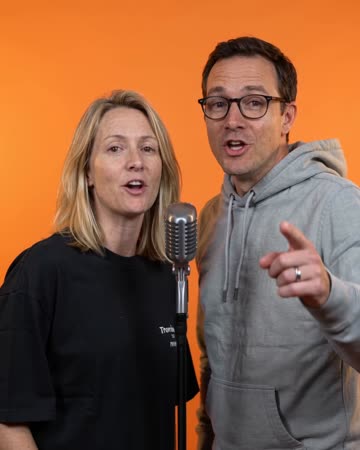
The birthday person and companion perform at microphones in a blue-and-red studio. A short greeting prompts a reaction and answer, ending with smiles toward the camera.

Birthday Song Video
personal birthday greetings
A small celebratory movement and a glance toward the camera accompany the birthday moment. One person can carry the greeting; an optional companion can remain in the scene.

Comic Book AI
comic avatar visuals
Bold outlines and flat comic colors transform the source subjects while small expressions continue. Clean graphic panels frame the shot without relying on automatically readable dialogue.
Funny Birthday Video
Decide what viewers should know before the visual reaction appears.
Create this effect