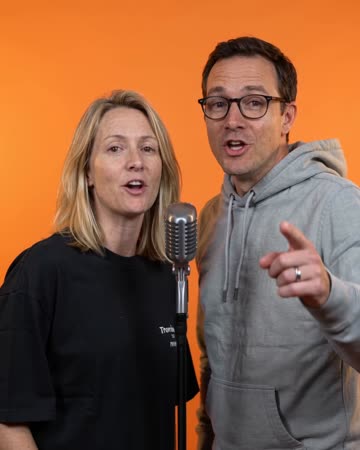
A birthday rap starring the people in your photos
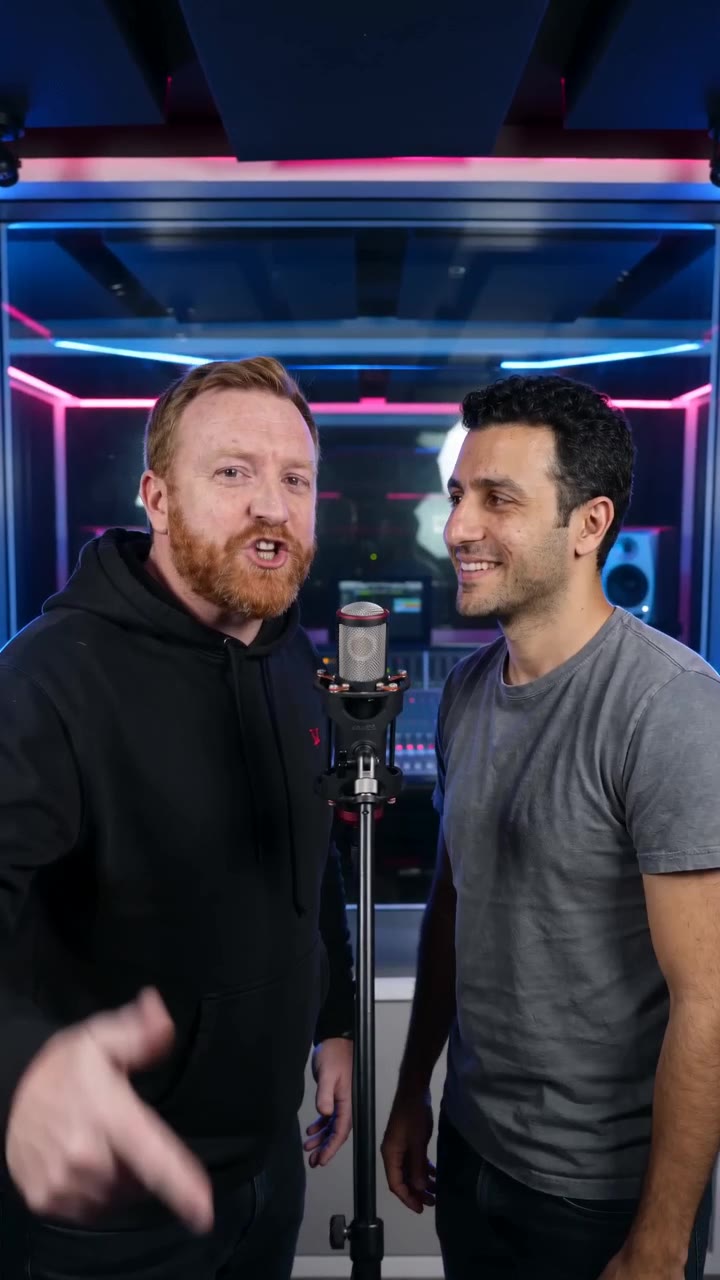
Birthday Rap turns two photos, or a photo of two people together, into a short celebratory microphone performance. The pair exchange an original birthday greeting in a blue-and-red studio. Add the recipient’s name, age or a personal wish to guide the generated verse, then download the video for your own birthday edit.
- The people
- The birthday person and one friend, partner or family member.
- The message
- An optional name, age and short birthday wish.
- The result
- A short studio rap video with generated vocals and a cheerful beat.
What makes a birthday rap feel personal?
One familiar detail is enough. Think about the person receiving the video before filling in the greeting.
Start with what you call them
Write one birthday wish, adding a familiar name, nickname or age if you like. For example: “Happy 30th birthday, Alex — more fishing trips this year!” You can also leave the message blank for a general birthday greeting.
Choose one wish or one good joke
A favorite hobby, a shared trip or a kind joke gives the rap a direction. Keep the message friendly and short enough for a brief clip; a long list of memories is better saved for the birthday card.
Three birthday wishes to make your own
Use an idea below, then make it yours with a name, age or personal detail in the same message.
For the adventurous friend
Here’s to another year of spontaneous trips, good friends and stories worth telling.Use this wish
For the group-chat legend
Always late to the party, always first on the dance floor. Happy birthday to our group-chat legend.Use this wish
For someone you love
Another year of making ordinary days better. Today the celebration is all yours.Use this wish
How to make a birthday rap video
Choose the birthday duo
Add one clear photo of the birthday person and one of their companion, or switch to a photo of both together. Keep the two faces a similar size.
Add the birthday message
Write a wish in one line, with a name, age, shared memory or kind joke if you like. Leave it blank for a general birthday greeting; you do not have to write lyrics yourself.
Set the video for your celebration
Keep vertical 9:16 for a phone message or choose a supported format in Advanced. Check the duration, resolution and total credits before generating.
Listen, download and send
Watch both performers and listen to the greeting. Download the finished clip, add any precise date or message as a caption, and send it yourself or include it in your party edit.
A short rap greeting, with its own voice and beat
The birthday vocals and music are generated for the video, rather than taken from a commercial birthday song. The photos guide the faces; they do not record or clone either person’s real voice. The supplied greeting is a creative direction for a short verse, not an exact spoken script.
- Choose photos with both mouths and faces clear.
- Keep personal details to what you want included in the greeting.
- Listen to the name, age and words before sending the video.
Find the right kind of birthday surprise
A rap, a sung greeting or a playful reaction can each set a different mood.
Birthday rap: questions before you make it
Can I include the person’s name and age?
Yes. Include them in the same message, such as “Happy 30th birthday, Alex.” Neither needs a separate field, and you can leave them out. Listen to the finished greeting before sharing.
Do both people need to be in the same photo?
No. Add one portrait per person using the separate-photo option. If you already have a photo of both together, switch to that option and upload it.
Do I need to write birthday rap lyrics?
No. One wish, shared memory or friendly joke gives the generated rap a direction. The creator makes a brief original greeting; it does not accept a full lyrics script or song upload.
Is it a whole birthday song?
The result is a short birthday rap video at the selected length, not a complete multi-minute song or a separate audio recording. You can combine it with other moments in a longer birthday edit.
Can I change the video length and format?
Yes. New drafts start at 12 seconds, 720p and vertical 9:16. Advanced shows the options supported by your selected model. Keep enough time for a simple greeting rather than trying to fit several stories into one clip.
How do I check the price, and what if it fails?
The generation button shows the total credits for your settings. Credits are deducted when the task is created; the deducted amount is returned for a task confirmed failed.
Put the birthday person on the mic
Two familiar faces, one birthday wish and a little rhythm for their day.
Make a birthday rap