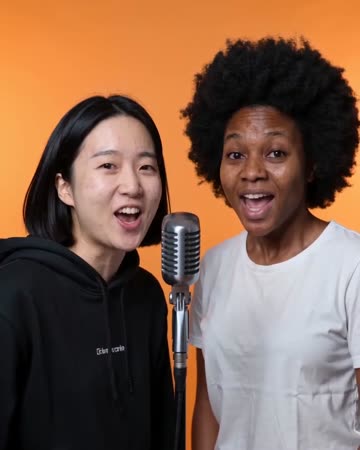
What does an AI rap video make from your photo?
An AI rap video turns the people in your photos into a short microphone performance, with generated rap vocals, a backing beat and matching gestures. This creator keeps an orange-booth setting. You can start with one person, bring two people together, and add a topic for the brief original verse.
- Start with
- One portrait, one shared photo, or two separate portraits.
- Make it personal
- Choose an occasion or write a short topic. Both are optional.
- Take away
- A downloadable short video with generated vocals and music.
One rapper or two: which photos should you add?
You do not need to film a performance or hold a microphone. Start with clear photos; the stage and performance are generated around them.
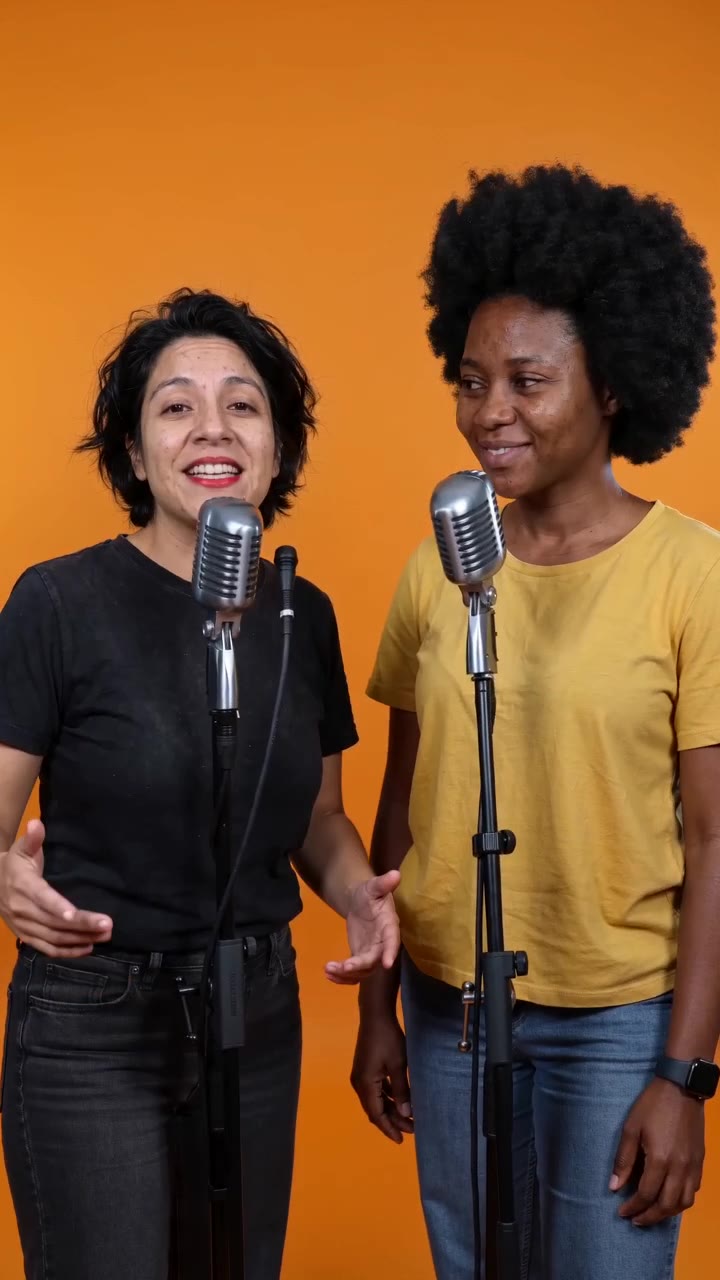
Make a solo entrance
Keep the one-photo option and upload a portrait of yourself. Show the mouth clearly and include the shoulders so the performer has room for small gestures.
Bring a friend onto the mic
Use a photo of both of you, or choose two separate photos and add one person to each slot. Check the prepared composition before generating, especially the size and position of both faces.
How to make an AI rap video from photos
Add the people
Upload one portrait, a shared photo or two separate portraits. Check that faces are sharp and mouths are not covered.
Give the rap one idea
Choose an occasion and add a short topic if you like. A real detail gives the verse a direction: finishing exams, a birthday wish or a joke between friends. Leave it empty for a general rap.
Choose the clip and check credits
Open Advanced to choose a supported model, duration, resolution and format. New drafts start at 12 seconds, 720p and vertical 9:16. The generation button shows the total credits for your selection.
Generate, listen and download
Watch the finished video and listen to the words and beat. Download the clip, then add a title or combine it with other footage in your editor.
Rap topic ideas you can start with
Pick one idea below to fill the topic box, then change the details to make it yours.
A best-friend victory
Two best friends celebrating the end of exams, still undefeated at karaoke.Use this idea
A team introduction
Our small team turns big ideas into late nights, good coffee and a launch worth celebrating.Use this idea
A playful anniversary
Five years together, one very loud dog, and still arguing over who gets the last slice.Use this idea
Original rap and a beat, made with the video
The voice and music are AI-generated alongside the performance. Your photo supplies the appearance, not a recording of your real voice. The topic guides a short original verse; it is not an upload-your-song or exact-lyrics service.
- Keep the topic to one moment rather than a whole song’s story.
- Listen to names, words and timing before sharing.
- Use a sharp face photo with the mouth and shoulders visible.
Which performance fits your next video?
Choose by the people, occasion and kind of performance you want to make.
AI rap video: questions before you create
Can I make an AI rap video with just one photo?
Yes. One portrait creates a solo performance. A shared photo can show two people, and the separate-photo option lets you add each person individually.
Can I add a name, occasion or topic?
Yes. Choose an optional occasion or include a name and one detail in the topic. The input guides the brief generated rap. For a birthday greeting with separate name and age fields, use Birthday Rap.
Can I upload lyrics or a song for exact lip sync?
This creator accepts photos and a short topic, not a song file or a full lyrics script. It generates its own vocals and beat. Use an editor if your project needs an existing track or exact written captions.
Does the video use my real voice or a famous rapper’s voice?
No. The voice is generated for the clip. A photo does not clone your voice, and the preset does not copy a real artist’s voice or recording.
How long is the video, and can I change the format?
New drafts start at 12 seconds, 720p and vertical 9:16. Advanced lists the lengths, resolutions and formats supported by the selected model, with the cost updated for your choice.
What does it cost, and what happens if generation fails?
Check the total credits on the generation button before submitting. The amount depends on the selected model and output settings. Credits are deducted when the task is created; a task confirmed failed has its deducted credits returned.
Give your photo a verse of its own
Add the people, pick one idea and make a short rap for your next shared moment.
Make my rap video