Rap Maker: Sketch a Visual Direction Before the Final Edit
A visual draft can help you decide whether a rap idea needs an intimate performer shot or a stronger stage treatment. This preset keeps the camera steady while the subject makes natural shoulder and hand movements at a microphone. The preset requests original short rap lines and backing music.
Make a concept preview for collaborators, compare an understated look with a later stage variation, or build an animated cover teaser. Keep the same draft audio in your editor when comparing visual alternatives.
Inside this effect
A warm lobby hook
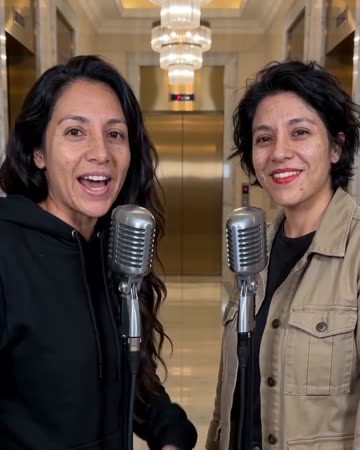
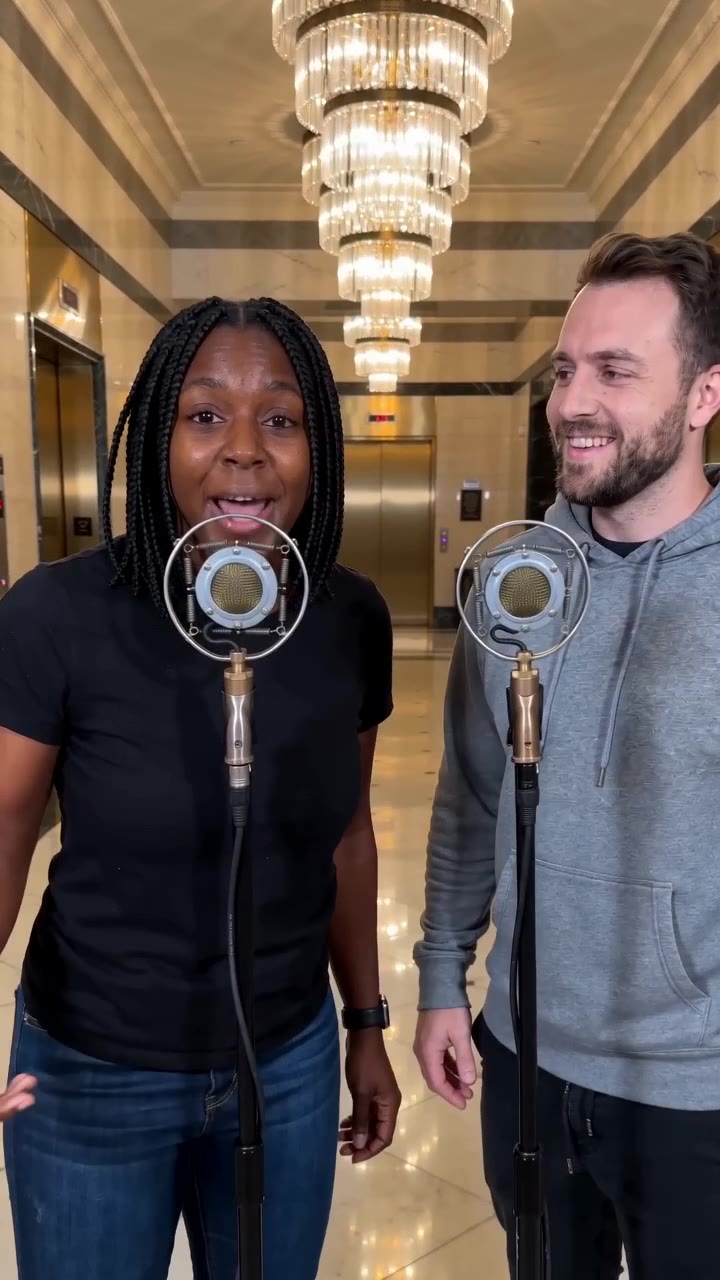
The performer stands at a microphone beneath chandeliers in a marble lobby. Small shoulder and hand movements accompany a concise vocal hook; a pair can exchange turns before a shared smile.
What makes the composition readable
Treat the first clip like a storyboard test. Ask whether there is enough room for a lyric line, whether the pose fits the character and where a cut would land, rather than expecting a finished track from one submission.
Sound in a new creation
An original short hook and backing are generated with the scene. A separate lyrics, beat-file or timing editor is not part of this page.
Choose the output for your edit
New drafts start at 12 seconds, 720p and vertical 9:16. Advanced shows the models and compatible lengths, resolutions and formats. Check the total credits before generating; the options follow the selected model.
From source photo to finished clip
Start with a solo or shared photo, or choose two separate sources when the idea includes a pair. Confirm the crop and current settings before generating.
Define one visual question
Decide whether you are testing a persona, a caption position or a possible opening shot.
Build the shortest useful draft
Use a short duration and review the stable performance before spending time on a longer assembly.
Compare inside your timeline
Place the draft beside your beat and notes, then choose which idea deserves a polished edit.
Ways to use the result
A collaborator mood board
Use one shot to discuss performance scale and expression, then compare it with a more intimate studio setting.
A moving cover teaser
Follow cover artwork with the lobby performance and place the release information on a clean closing card.
Prepare the source for this movement
- Start with an unobstructed portrait against a simple background.
- Leave negative space beside the head for a test lyric line.
- Avoid props that hide the hands you want to animate.
The output includes a short original rap, vocals and a beat, with model-generated wording. There is no custom-lyrics, beat-file or word-timeline input; check the words and mouth alignment before posting.
Frequently asked questions
What should I judge in a first version?
Check whether the face, microphone position and gestures fit your concept, then listen to the generated phrase before deciding on a final edit.
Does it generate a beat or vocal?
It requests original short rap vocals and a beat, generating mouth movement and gestures with the performance. Keep the native track or continue editing after download.
How do I compare two visual ideas fairly?
Use the same audio excerpt and output framing in your editor. Compare facial readability, available caption space and the point where each clip can cut.
Can the draft become a finished lyric video?
It can provide a short performance excerpt with audio. A complete lyric video still needs multiple shots, accurate typography and timing; one short clip is not a full production.
Can I upload my own beat?
No audio-upload field is provided. Add or replace audio in your editor after downloading the video.
Where is the cost shown, and what if generation fails?
The generation button shows the total for your selected model and output settings. Credits are deducted when the task is created; credits for a task confirmed failed are returned. Review the displayed total rather than assuming every model costs the same.
Explore another direction
AI Music Video
Native-audio performance · photo to video
Warm marble, receding chandeliers and a gradual approach frame a brief vocal performance. A solo source keeps one singer; two people exchange phrases and glances at a shared microphone.
AI Rap Generator
Native-audio performance · photo to video
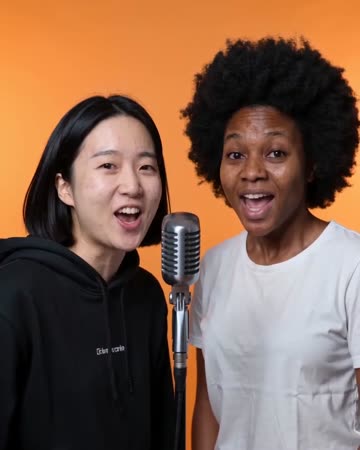
Separate microphones sit in a softly lit street setting. One person leads a concise phrase; a second source, when present, smiles and responds before taking a turn.
Studio Booth AI
Native-audio performance · photo to video
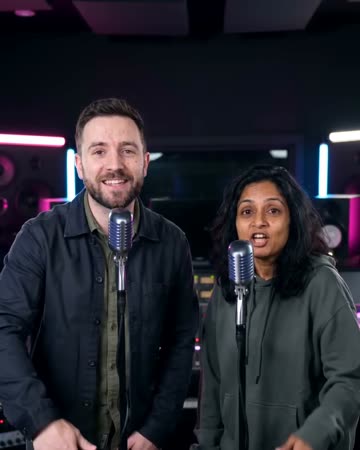
A dark recording booth and soft rim light frame natural microphone gestures. Equipment stays softly out of focus so the mouth, hands and expression carry the intimate performance.
Rap Maker
Decide whether you are testing a persona, a caption position or a possible opening shot.
Create this effect