AI Rap Generator: Make the Performance Shot for Your Verse
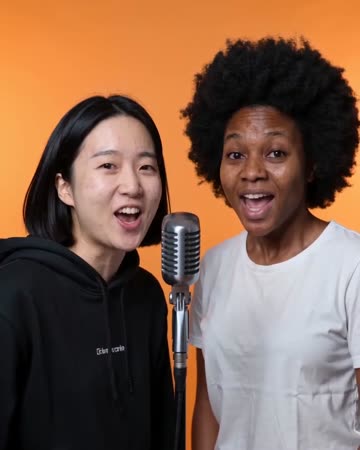
This page focuses on the visual performance behind a verse: a person at a microphone, recognizable facial features and restrained shoulder and hand expression. The clip gives your lyric edit a subject to look at. The preset requests original short rap vocals and a beat.
Use the shot behind a lyric excerpt, a verse announcement or a personal demo. Alternate it with real close-ups to avoid asking one generated take to tell an entire song's story.
Inside this effect
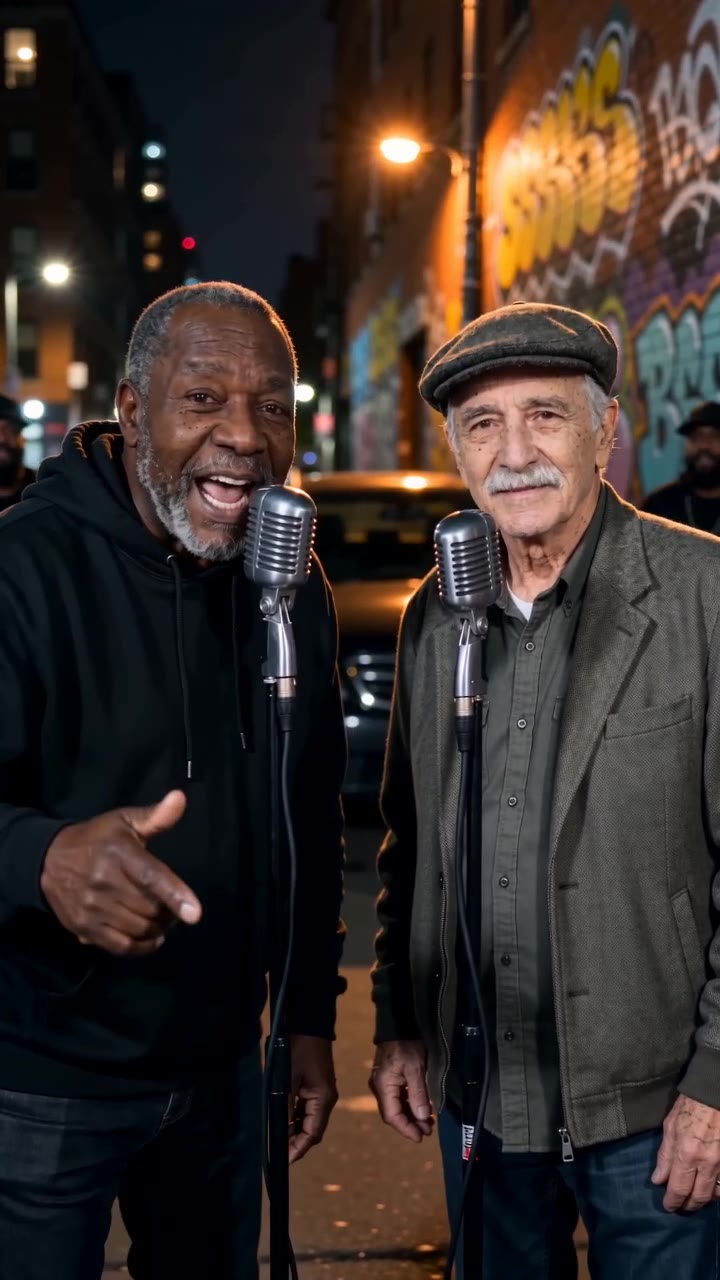
A night-street verse
Separate microphones sit in a softly lit street setting. One person leads a concise phrase; a second source, when present, smiles and responds before taking a turn.
What makes the composition readable
The preset generates a portrait performance and a brief original rap together. Favor clear vocals and readable gestures in a short shot; the current form has no custom story, name or full-lyrics input.
Sound in a new creation
A concise original verse and beat are generated with the shot. The form does not accept a lyrics file or beat upload.
Choose the output for your edit
New drafts start at 12 seconds, 720p and vertical 9:16. Advanced shows the models and compatible lengths, resolutions and formats. Check the total credits before generating; the options follow the selected model.
From source photo to finished clip
Start with a solo or shared photo, or choose two separate sources when the idea includes a pair. Confirm the crop and current settings before generating.
Choose a verse mood
Choose a clear portrait and a purpose for the shot. The preset generates an original short rap; add exact names and personal wording as captions after download.
Inspect the microphone shot
Review facial shape and hand movement, especially where the microphone overlaps the mouth.
Lay the verse onto the shot
Listen to the generated vocal and beat, checking pronunciation and mouths. Caption the actual short phrase and continue editing if needed.
Ways to use the result
A verse announcement
Use the street shot to introduce a release, then add the exact date and title as readable graphics.
A visual demo
Send a short performance alongside your written concept so collaborators can discuss framing and mood.
Prepare the source for this movement
- Show the mouth without a mask, hand or deep shadow.
- A front or slight three-quarter view gives readable expression.
- Include enough torso for shoulder and hand movement.
The model requests short rap vocals and a beat at the selected duration, not a full recording. The form does not accept lyrics or an audio track for exact delivery; review pronunciation and mouth alignment.
Frequently asked questions
Will entering this page write a rap for me?
It requests a brief original rap vocal and backing beat within the selected video length. There is no custom-lyrics field, separate full-lyrics file or full-song delivery.
Can I upload a song to synchronize the mouth?
The form accepts a photo, not a song file. The preset generates its own audio and requests matching mouth movement; it does not analyze or strictly follow an externally prepared song.
Should I use a close-up or half-body photo?
A half-body portrait leaves room for expressive shoulders and hands. A very tight headshot makes those performance cues harder to establish.
How does this differ from Rap Maker?
This direction emphasizes clear rap vocals and a microphone performance; Rap Maker explores a short hook and staging idea. Both enable native audio, with content guided by their respective presets.
Is this a full song generator?
The output is a short video with a brief generated verse. It has no full-song arrangement or editable word timeline.
Can I keep a solo performer?
Use a solo source. The preset keeps one original performer rather than inventing a second lead from another identity.
Where is the cost shown, and what if generation fails?
The generation button shows the total for your selected model and output settings. Credits are deducted when the task is created; credits for a task confirmed failed are returned. Review the displayed total rather than assuming every model costs the same.
Explore another direction
AI Rapper
Native-audio performance · photo to video
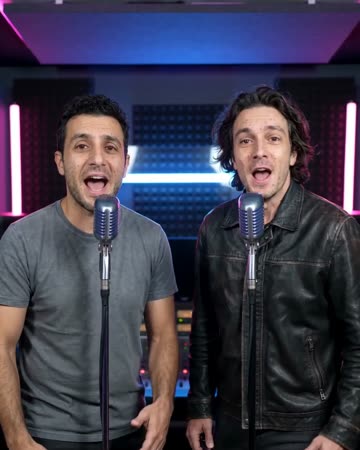
A softly lit night street frames the source performer at a microphone. Natural gestures and a gentle camera approach establish presence, keeping the original face central rather than borrowing a celebrity identity.
Rap Maker
Native-audio performance · photo to video
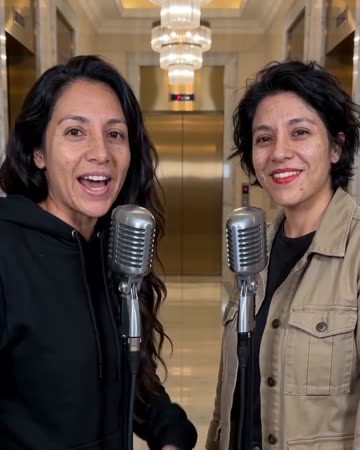
The performer stands at a microphone beneath chandeliers in a marble lobby. Small shoulder and hand movements accompany a concise vocal hook; a pair can exchange turns before a shared smile.
Street Cypher AI
Native-audio performance · photo to video
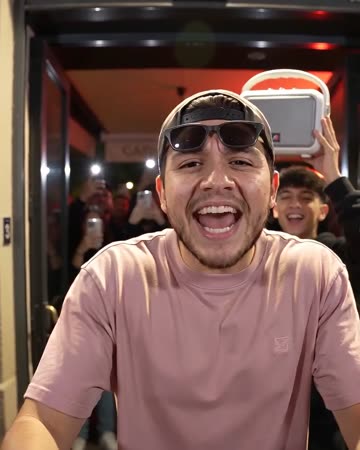
Outside a red-lit restaurant, the foreground lead performs toward a close handheld camera. A companion behind lifts a small speaker and reacts, giving the street shot a clear foreground and background role.
AI Rap Generator
Choose a clear portrait and a purpose for the shot. The preset generates an original short rap; add exact names and personal wording as captions after download.
Create this effect