AI Rapper: Establish Your Own On-Stage Persona
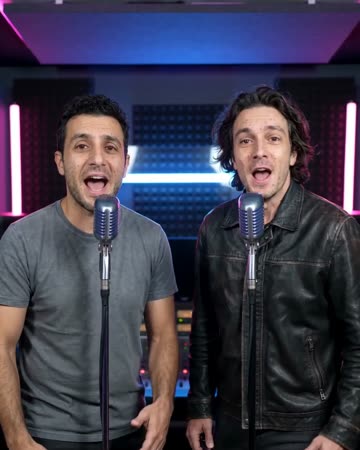
A stage persona starts with how the performer occupies the frame. This preset puts your portrait at the center of a simple stage, using a gentle approach and natural gestures to establish presence. The preset requests original rap vocals and stage backing music.
Test a visual identity for an artist profile, an animated introduction or a cover reveal. Compare whether the character remains recognizable when viewed at a small social-feed size.
Inside this effect
A recognizable stage persona
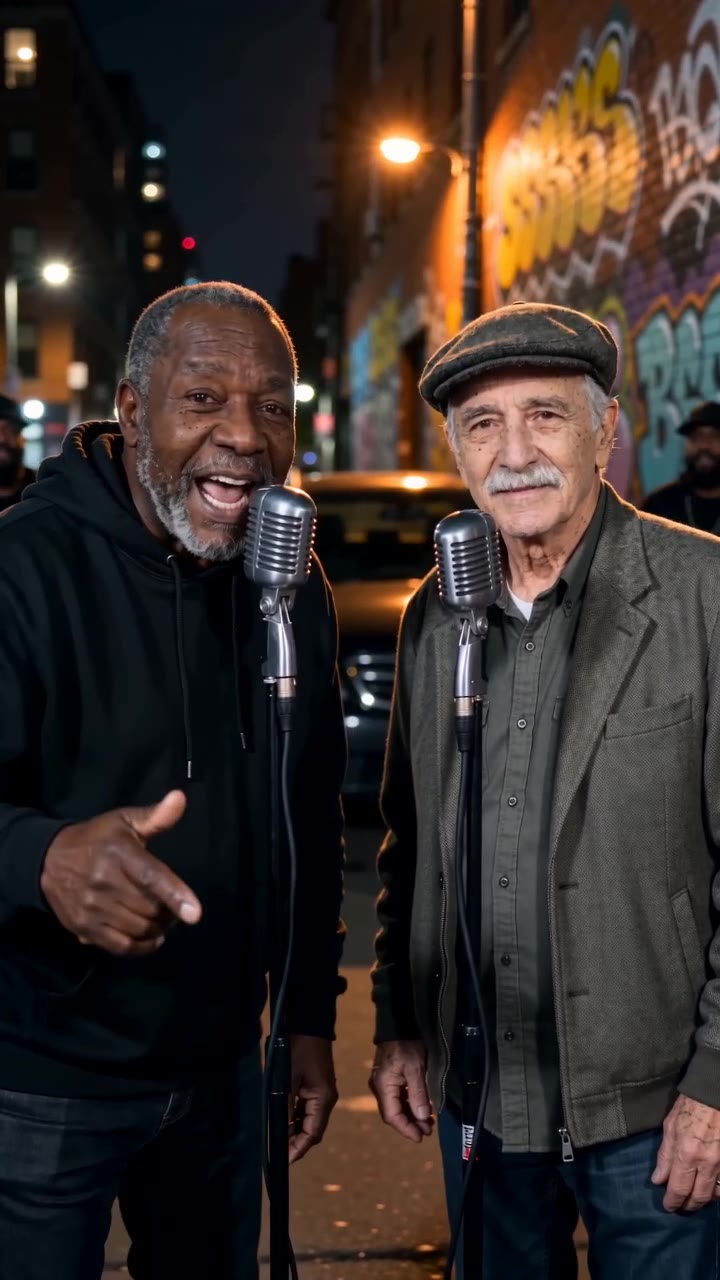
A softly lit night street frames the source performer at a microphone. Natural gestures and a gentle camera approach establish presence, keeping the original face central rather than borrowing a celebrity identity.
What makes the composition readable
Distinctive clothing and a clear silhouette can carry the character without borrowing a famous performer's identity. Choose a starting expression you want associated with your own creative profile.
Sound in a new creation
The model supplies a short original rap and beat. It does not train a lasting singer identity or clone your speaking voice from the photo.
Choose the output for your edit
New drafts start at 12 seconds, 720p and vertical 9:16. Advanced shows the models and compatible lengths, resolutions and formats. Check the total credits before generating; the options follow the selected model.
From source photo to finished clip
Start with a solo or shared photo, or choose two separate sources when the idea includes a pair. Confirm the crop and current settings before generating.
Define the persona
Choose whether the character should feel restrained, confident or playful.
Check recognizable details
Inspect the face, clothing outline and stance as the camera approaches.
Build a consistent introduction
Add a stage name and chosen sound externally, keeping them consistent across your profile materials.
Ways to use the result
A creator identity test
Compare how your chosen outfit and expression read as a short performance before making a larger campaign.
An animated profile card
Add your own name and role after the performance so the persona has clear, accurate context.
Prepare the source for this movement
- Choose your intended persona's own portrait.
- Keep signature clothing visible above the waist.
- Avoid a background that competes with the face.
A visual persona does not create an autonomous artist, a cloned vocal or an ongoing character memory. Clothing and facial details can vary between separate generations.
Frequently asked questions
Will it invent a complete fictional artist?
It generates a stage performance with an original rap excerpt, not an artist biography, persistent character memory or ongoing catalogue. Check appearance and voice consistency across separate videos.
Will future clips remember this character?
Each generation uses its supplied photo and settings. There is no ongoing character-memory control, so compare clothing and face detail across clips.
Does AI Rapper copy a celebrity's voice?
It requests original rap vocals and a beat for the portrait performance. It does not clone the photographed person's voice or a celebrity voice.
How do I judge whether the persona works?
View the clip without captions first. If the face, pose and clothing communicate the intended character, the visual foundation is clearer.
Can I use a two-person source?
Yes, including separate portraits through the optional pair mode. Both visible performers should be reviewed for likeness and vocal timing.
Where is the cost shown, and what if generation fails?
The generation button shows the total for your selected model and output settings. Credits are deducted when the task is created; credits for a task confirmed failed are returned. Review the displayed total rather than assuming every model costs the same.
Explore another direction
AI Rap Generator
Native-audio performance · photo to video
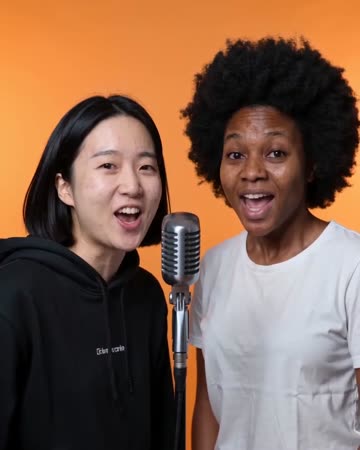
Separate microphones sit in a softly lit street setting. One person leads a concise phrase; a second source, when present, smiles and responds before taking a turn.
AI Video of Yourself
personal introductions
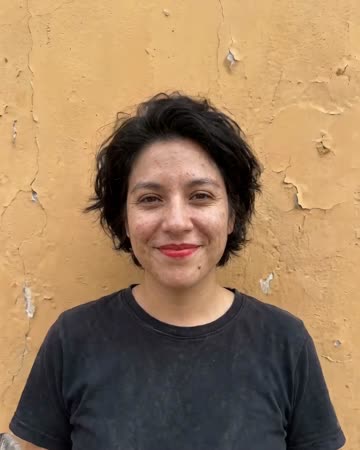
The shot starts close to the source person, rises above streets and coastline, crosses clouds and finishes with the whole Earth. Your face introduces the journey rather than staying large throughout.
Studio Booth AI
Native-audio performance · photo to video
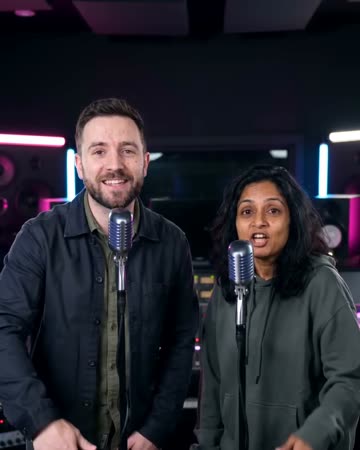
A dark recording booth and soft rim light frame natural microphone gestures. Equipment stays softly out of focus so the mouth, hands and expression carry the intimate performance.
AI Rapper
Choose whether the character should feel restrained, confident or playful.
Create this effect