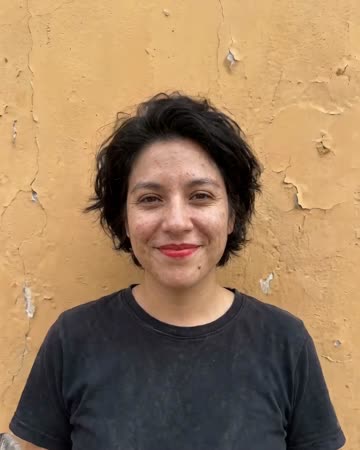
AI Video of Yourself: Start With a Likeness Check
Turn your own photo into an outward camera journey, beginning near you and finishing on Earth in space. The movement changes the scale of the story instead of holding a speaking portrait.
Create an animated profile moment or a brief self-introduction insert. Add accurate speech and contact details separately instead of implying the portrait delivered unrecorded words.
Inside this effect
You at the center of a scale change
The shot starts close to the source person, rises above streets and coastline, crosses clouds and finishes with the whole Earth. Your face introduces the journey rather than staying large throughout.
What makes the composition readable
Use a clear source face and enough surrounding detail to establish the opening. As the camera rises, newly revealed buildings, coastline and terrain are imagined.
Sound in a new creation
Wind, open-space ambience and atmospheric music build with the rise; no personal script is spoken.
Choose the output for your edit
New drafts start at 12 seconds, 720p and vertical 9:16. Advanced shows the models and compatible lengths, resolutions and formats. Check the total credits before generating; the options follow the selected model.
From source photo to finished clip
Upload one clear still image as the starting point. Check the selected frame and Advanced settings, then review the full generated clip before downloading.
Choose a likeness reference
Start with a straightforward portrait rather than a heavily edited avatar.
Follow the outward reveal
Review the move beyond the portrait and check that the clip reaches a wide Earth ending.
Choose the next direction
Hold the Earth ending or use it to connect your portrait introduction to a wider story in the final edit.
Ways to use the result
A personal chapter opener
Introduce yourself in the close opening, then use the planet view to transition into your wider story.
A location-to-person connection
Choose a portrait with readable surroundings and add the real location separately in checked captions.
Prepare the source for this movement
- Use a recent clear photo of yourself.
- Keep the face free from strong beauty filters.
- Choose an angle you can compare with everyday appearance.
A generated self-portrait is not a digital identity verification or a guaranteed exact replica. Expressions, clothing and background details can change.
Frequently asked questions
Do I need a professional portrait?
A clear, naturally lit personal photo is enough to start; readable features matter more than studio styling.
Can it make me speak a script?
This photo preset does not take a spoken script or produce exact talking-head lip sync.
Why leave context around the portrait?
The surroundings establish the start of the scale change. A very tight crop gives fewer clues before the camera rises.
Can the result replace an identity photo?
No. It is a creative moving image and may alter identifying details.
Will the camera keep close to my face?
No. This preset moves outward from you to Earth. For restrained portrait movement, choose Photo to Video.
Can it identify where the source was taken?
No exact-location control is supplied. Streets and coastlines beyond the source are generated scenery.
Where is the cost shown, and what if generation fails?
The generation button shows the total for your selected model and output settings. Credits are deducted when the task is created; credits for a task confirmed failed are returned. Review the displayed total rather than assuming every model costs the same.
Explore another direction
Earth Zoom Out AI
travel intros
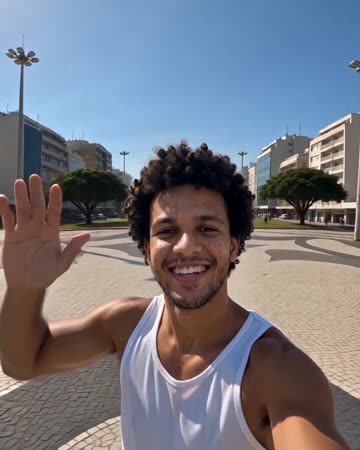
The camera leaves the person or landmark, rises through surroundings and clouds, and ends on Earth against space. The continuous change in scale needs a readable opening before the source becomes small.
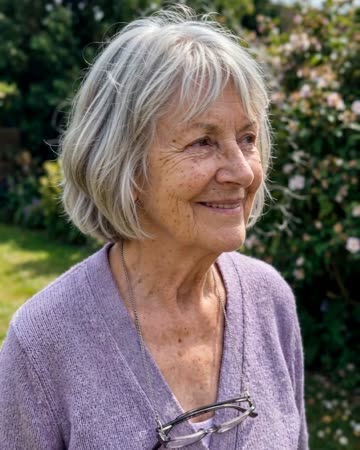
Photo to Video AI
animated albums
Natural breathing, subtle environmental motion and a slow camera move add life without replacing the source composition. The people and setting should remain recognizable through one continuous clip.
AI Rapper
Native-audio performance · photo to video
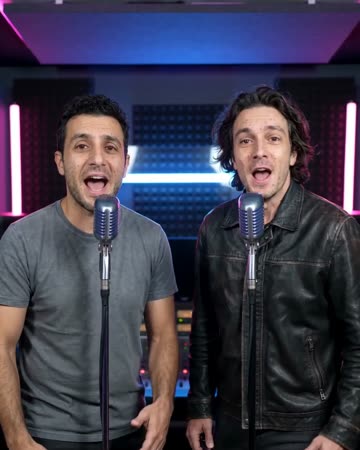
A softly lit night street frames the source performer at a microphone. Natural gestures and a gentle camera approach establish presence, keeping the original face central rather than borrowing a celebrity identity.
AI Video of Yourself
Start with a straightforward portrait rather than a heavily edited avatar.
Create this effect