Migos AI Video: Side-by-Side Stage Blocking
Side-by-side blocking gives this performance its shape. Warm stage lighting and a slow camera approach support relaxed rhythmic gestures, while both performers remain part of the same readable composition. The preset requests original two-person rap vocals and rhythmic backing.
Try a joint channel opener, a duo profile teaser or a performance insert between real rehearsal clips. A shared title works best in empty space below the faces.
Inside this effect
A duet facing the audience
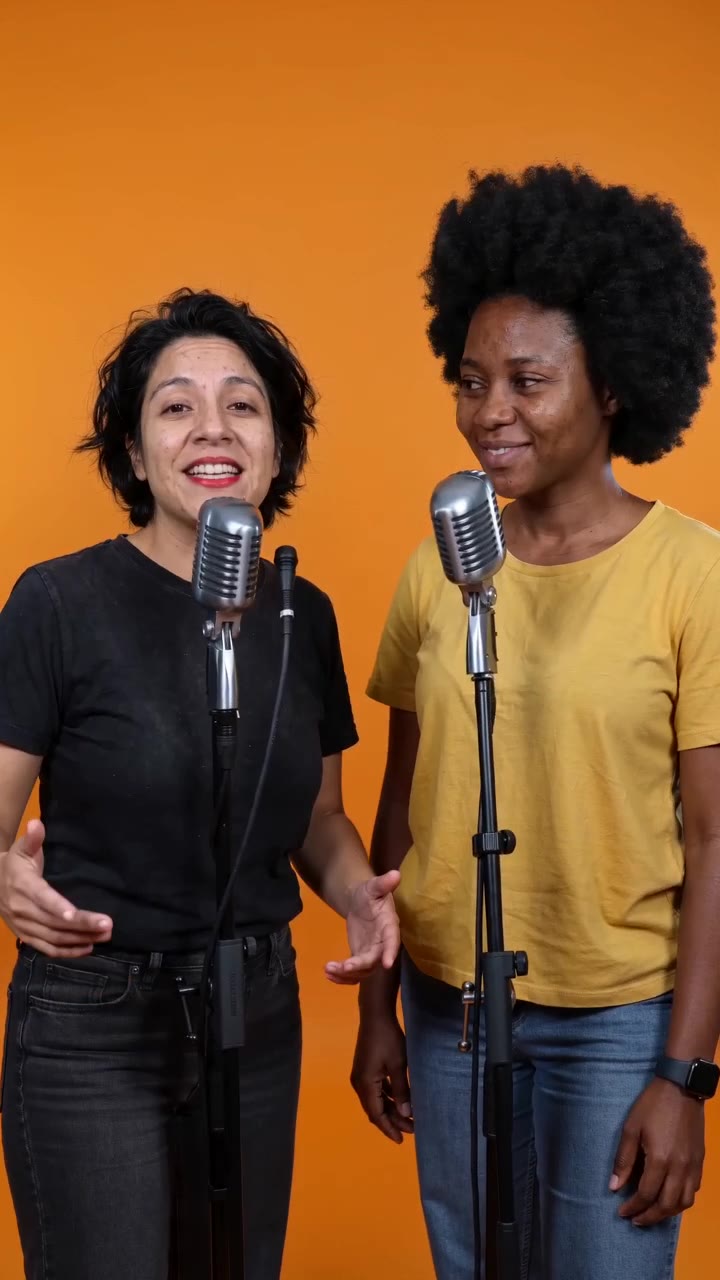
Two performers stand shoulder to shoulder in an orange booth. A gentle camera approach follows small gestures and an exchange of lead and listening roles, rather than a face-to-face confrontation.
What makes the composition readable
Compared with a face-to-face battle, the pair address the audience together. Keep their shoulders similarly placed so the push-in does not turn one person into an incidental background figure.
Sound in a new creation
Original call-and-response rap sits over a laid-back beat. It does not add a Migos recording or reproduce the members’ voices.
Choose the output for your edit
New drafts start at 12 seconds, 720p and vertical 9:16. Advanced shows the models and compatible lengths, resolutions and formats. Check the total credits before generating; the options follow the selected model.
From source photo to finished clip
Add one clear portrait per person or use a shared photo. In separate-photo mode, check the prepared two-person composition before submitting.
Establish equal presence
Choose an image where each face can carry equal visual weight.
Watch the slow approach
Review whether both heads stay framed as stage light and camera movement develop.
Introduce the duo together
Use a shared name card in the edit, then cut to individual shots if your story needs them.
Ways to use the result
Introduce a partnership
Place the duet before a joint interview, keeping both names on a single title card.
Bridge rehearsal footage
Use the orange shot between real rehearsal views; let the change of setting mark a new section.
Prepare the source for this movement
- Choose two people looking generally toward the camera.
- Avoid a large height or distance difference between the faces.
- Retain shoulder width for outward gestures.
The keyword describes a duo-performance direction, not an artist, voice or lyric recreation. Original vocals and a beat are model-generated; replay to check turn-taking and rhythm.
Frequently asked questions
Is this a face swap onto the original performance?
The page generates a new short performance from the supplied photos. It is not an exact transfer of a recorded routine.
How is it different from a rap battle?
This pair share a front-facing stage and support each other’s turns. The battle page uses a studio exchange with more explicit reactions.
Can one person stand behind the other?
That can hide a face or shoulder during motion. A more level, side-by-side photo better matches this composition.
Where should I add lyrics?
Add them after generation, using the lower empty area when possible. Check the final crop so lyrics do not cover both performers' gestures.
Where is the cost shown, and what if generation fails?
The generation button shows the total for your selected model and output settings. Credits are deducted when the task is created; credits for a task confirmed failed are returned. Review the displayed total rather than assuming every model costs the same.
Explore another direction
AI Rap Battle
Native-audio performance · photo to video
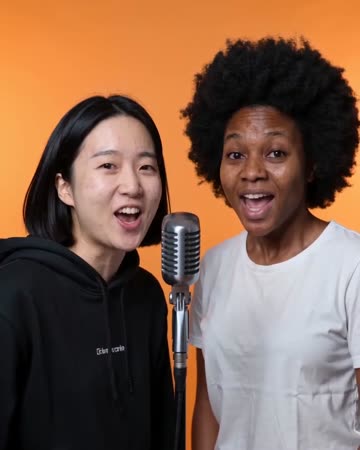
The blue-and-red studio keeps both performers visible at separate microphones. A playful line draws the other person’s reaction, followed by an answer and a friendly shared finish.
AI Duo Rap Video
Native-audio performance · photo to video
The pair trade original phrases at separate microphones in an uncluttered orange booth. The listener reacts before taking the next turn, and both end facing the audience.
AI Rap Generator
Native-audio performance · photo to video
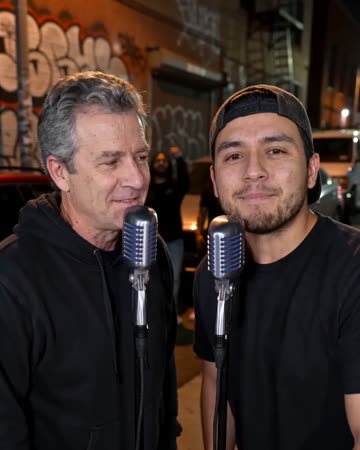
Separate microphones sit in a softly lit street setting. One person leads a concise phrase; a second source, when present, smiles and responds before taking a turn.
Migos AI Video
Choose an image where each face can carry equal visual weight.
Create this effect