AI Duo Rap Video: Give Each Performer a Turn in One Shared Shot
A duo performance has a relationship to show, not just two people in frame. This direction uses alternating gestures and exchanged glances in a medium shot so both roles remain readable. The preset requests alternating original rap vocals and a beat.
Build a joint introduction or a short call-and-response visual. Keep each person's name and words distinct without dividing the frame into unrelated solo clips.
Inside this effect
Make the exchange visible
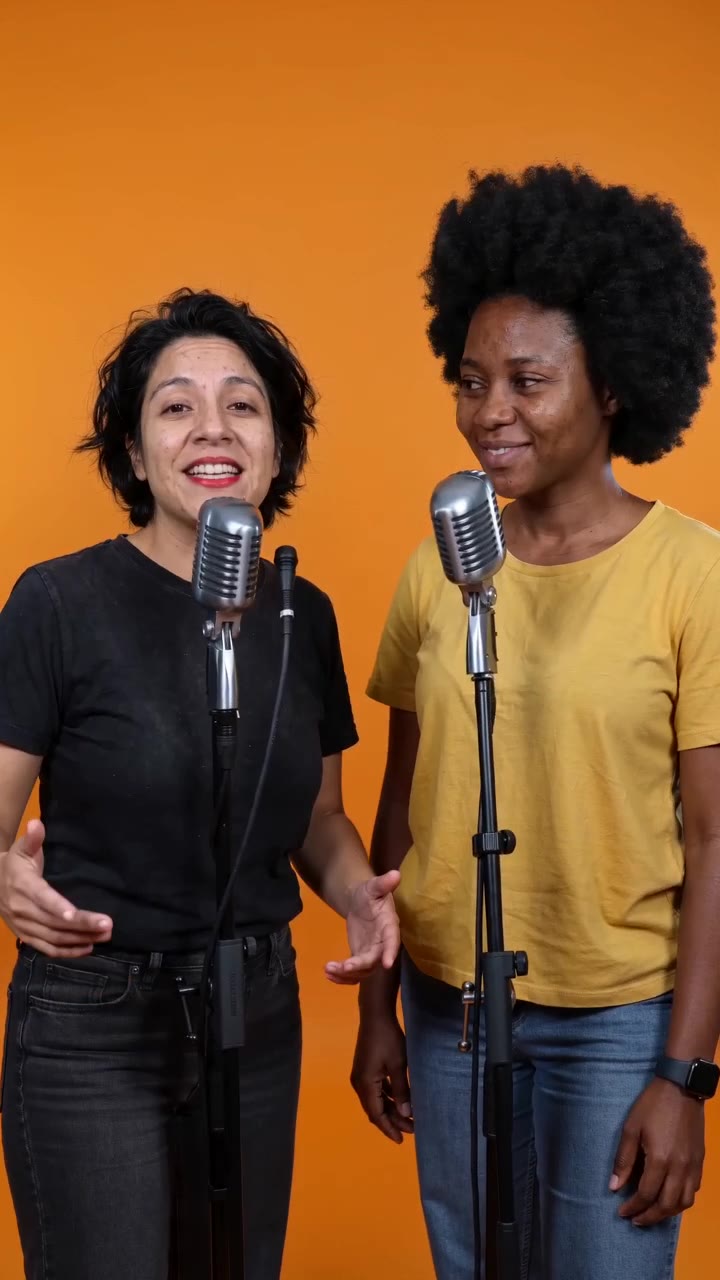
The pair trade original phrases at separate microphones in an uncluttered orange booth. The listener reacts before taking the next turn, and both end facing the audience.
What makes the composition readable
Choose whether the pair support, answer or introduce each other in your edit. That decision determines where captions change and which reaction should remain visible.
Sound in a new creation
Alternating original rap vocals and a shared beat drive the exchange. Review both mouths and the order of the vocal turns.
Choose the output for your edit
New drafts start at 12 seconds, 720p and vertical 9:16. Advanced shows the models and compatible lengths, resolutions and formats. Check the total credits before generating; the options follow the selected model.
From source photo to finished clip
Add one clear portrait per person or use a shared photo. In separate-photo mode, check the prepared two-person composition before submitting.
Define the duo roles
Decide who introduces, answers or reacts in the finished edit.
Review shared attention
Watch glances and ensure neither person disappears behind the other.
Assign caption turns
Replay vocal turns and mouth movement, then add exact names or captions in speaker order.
Ways to use the result
A two-host opener
Introduce each name when their turn begins, then cut to the real discussion or show.
Friends in different places
Use one photo per friend to create a shared shot even when a recent photograph together is unavailable.
Prepare the source for this movement
- Add two separate portraits, or one photo with both faces similarly sized.
- Keep the space between the pair readable.
- Show shoulders for alternating gestures.
The form accepts separate portraits or a duo photo, preparing one start image for an original duo rap excerpt and beat. Vocal turns are model-generated, so check speaker order and both mouths.
Frequently asked questions
How is a duo different from the battle setup?
A duo can cooperate or introduce each other; the battle setup specifically emphasizes face-to-face opposition and reaction.
Do both people need to be in the same source photo?
No. Separate portraits are supported and prepared into one starting composition; a shared photo is also an option.
Will it assign each person a verse?
It requests brief original alternating rap lines with corresponding voices and mouth movement. There is no per-person lyrics field to specify exact line assignments.
Why keep face sizes similar?
It gives each performer enough visible detail and avoids turning one participant into a background figure.
Does selecting an example change the stage I generate?
The example selector only changes the preview. New creations still follow this page’s fixed orange-booth direction.
Where is the cost shown, and what if generation fails?
The generation button shows the total for your selected model and output settings. Credits are deducted when the task is created; credits for a task confirmed failed are returned. Review the displayed total rather than assuming every model costs the same.
Explore another direction
Migos AI Video
Native-audio performance · photo to video
Two performers stand shoulder to shoulder in an orange booth. A gentle camera approach follows small gestures and an exchange of lead and listening roles, rather than a face-to-face confrontation.
AI Rap Battle
Native-audio performance · photo to video
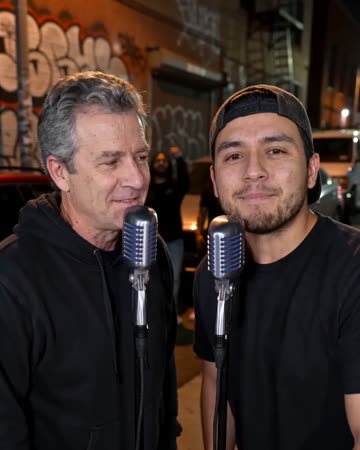
The blue-and-red studio keeps both performers visible at separate microphones. A playful line draws the other person’s reaction, followed by an answer and a friendly shared finish.
Street Cypher AI
Native-audio performance · photo to video
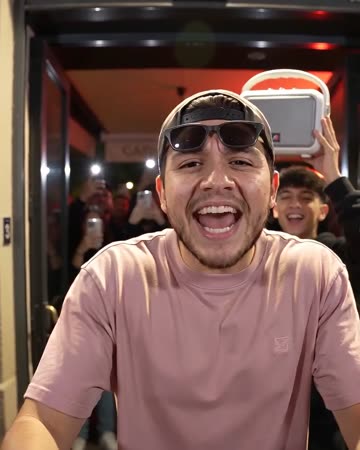
Outside a red-lit restaurant, the foreground lead performs toward a close handheld camera. A companion behind lifts a small speaker and reacts, giving the street shot a clear foreground and background role.
AI Duo Rap Video
Decide who introduces, answers or reacts in the finished edit.
Create this effect