AI Rap Battle: Make a Readable Face-to-Face Exchange
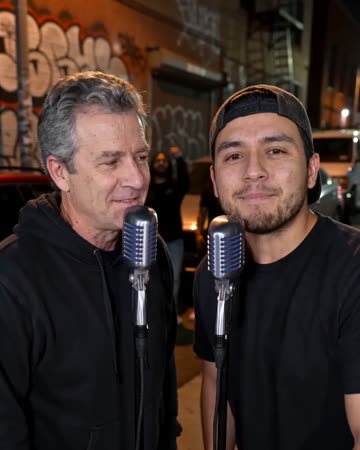
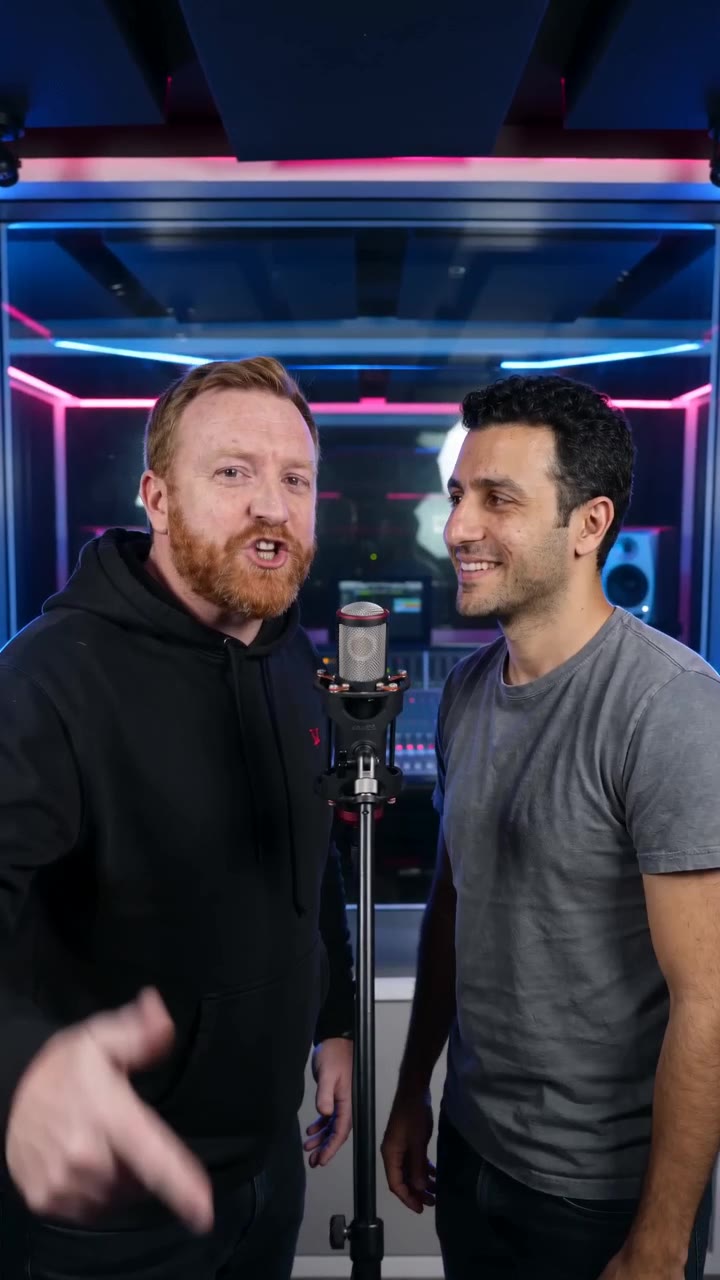
Stage a friendly rap exchange in a blue-and-red studio. Both people remain in a medium two-shot, trading short original lines and visible reactions.
Create an alternating introduction or a humorous exchange between friends. Add separate caption lines for each participant so the audience can follow the turn-taking.
Inside this effect
A line, a reaction, an answer
The blue-and-red studio keeps both performers visible at separate microphones. A playful line draws the other person’s reaction, followed by an answer and a friendly shared finish.
What makes the composition readable
The medium framing matters: an extreme close-up loses the relationship, while a distant group photo makes reactions too small. Choose a source where both faces can still be read together.
Sound in a new creation
Friendly original rap turns share one backing beat. Review the tone of the generated lines as well as the timing.
Choose the output for your edit
New drafts start at 12 seconds, 720p and vertical 9:16. Advanced shows the models and compatible lengths, resolutions and formats. Check the total credits before generating; the options follow the selected model.
From source photo to finished clip
Add one clear portrait per person or use a shared photo. In separate-photo mode, check the prepared two-person composition before submitting.
Choose the exchange
Select a pair whose faces and poses can support a friendly back-and-forth.
Inspect the reaction beat
Look for readable reactions and unwanted arm overlap in the generated medium shot.
Assign lines in the edit
Listen to both original lines, checking vocal turns, mouths and reactions, then place captions beside the corresponding performer.
Ways to use the result
A friendly challenge
Frame a lighthearted challenge with two caption colors so viewers can follow who is answering.
Two sides of a team
Introduce co-hosts through contrasting reactions, then show the real work they do together.
Prepare the source for this movement
- Add one clear waist-up portrait per person, or use one photo with both faces visible.
- Leave space between their hands and faces.
- Avoid crossed arms that obscure the other person.
The preset requests friendly original rap turns and a beat; it does not score or judge a winner. Complex arm crossings can distort, so check both performers' mouths and the tone of the generated lines.
Frequently asked questions
Does the page decide a winner?
No scoring takes place. The preset creates the visual and vocal exchange; an outcome can be part of your own edit.
Why keep both reactions in frame?
The listener's expression gives the speaker's gesture context; removing it can make the shot look like an unrelated solo performance.
Does a side-by-side selfie work?
It can be a starting image, but enough separation and visible shoulders help the model establish an exchange rather than a crowded close-up.
Can I write a specific insult?
There is no custom-line field. The direction is a friendly exchange; listen to the result before sharing it with the other person.
Where is the cost shown, and what if generation fails?
The generation button shows the total for your selected model and output settings. Credits are deducted when the task is created; credits for a task confirmed failed are returned. Review the displayed total rather than assuming every model costs the same.
Explore another direction
AI Diss Track Video
Native-audio performance · photo to video
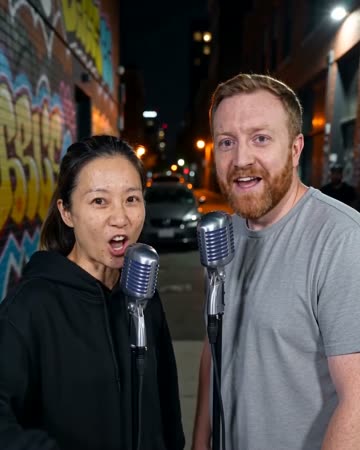
Small stage poses and cheeky expressions make a friendly face-off between two people. Keep the setup and response together so a short reaction does not lose its playful context.
Studio Booth AI
Native-audio performance · photo to video
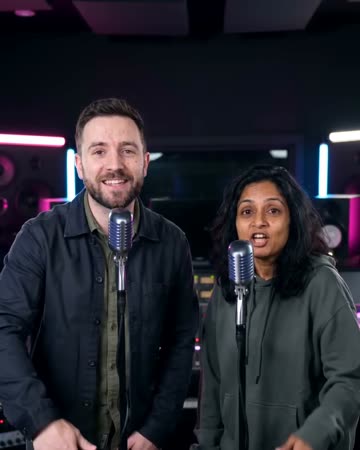
A dark recording booth and soft rim light frame natural microphone gestures. Equipment stays softly out of focus so the mouth, hands and expression carry the intimate performance.
AI Duo Rap Video
Native-audio performance · photo to video
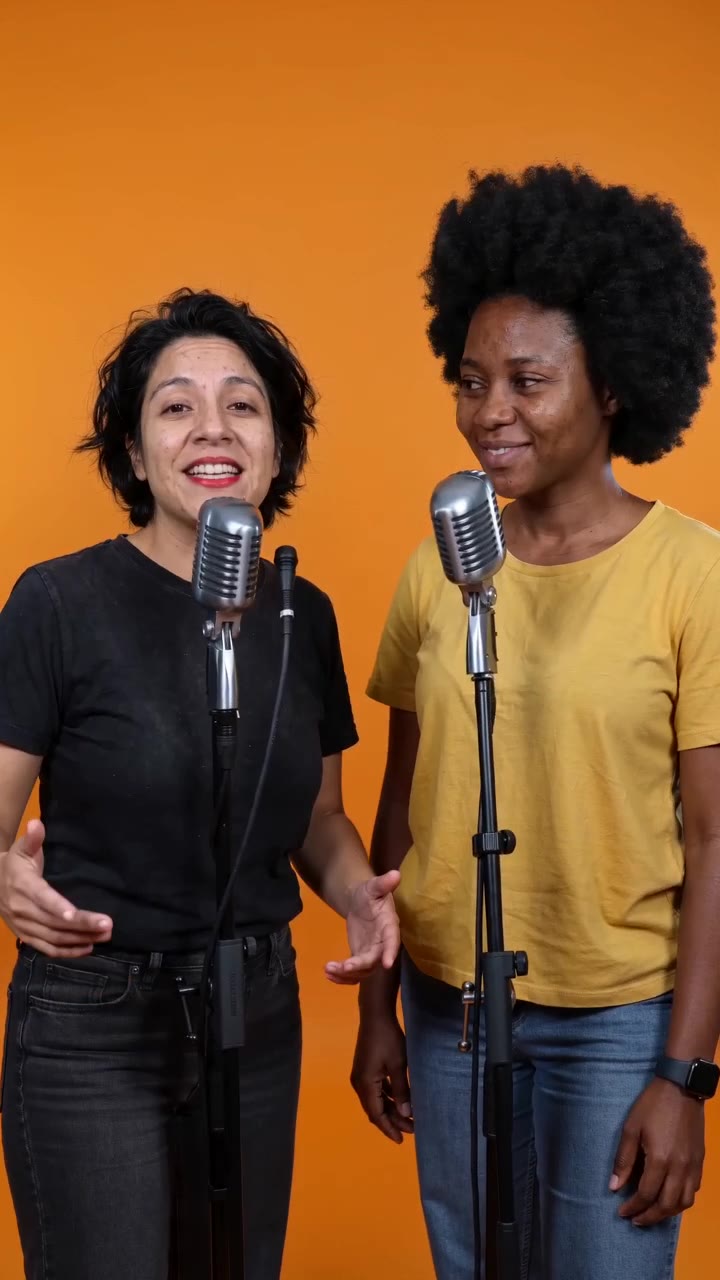
The pair trade original phrases at separate microphones in an uncluttered orange booth. The listener reacts before taking the next turn, and both end facing the audience.
AI Rap Battle
Select a pair whose faces and poses can support a friendly back-and-forth.
Create this effect