Diss Track Visuals: Stage a Playful Reaction Exchange
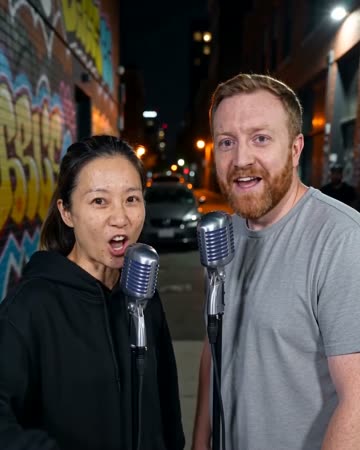
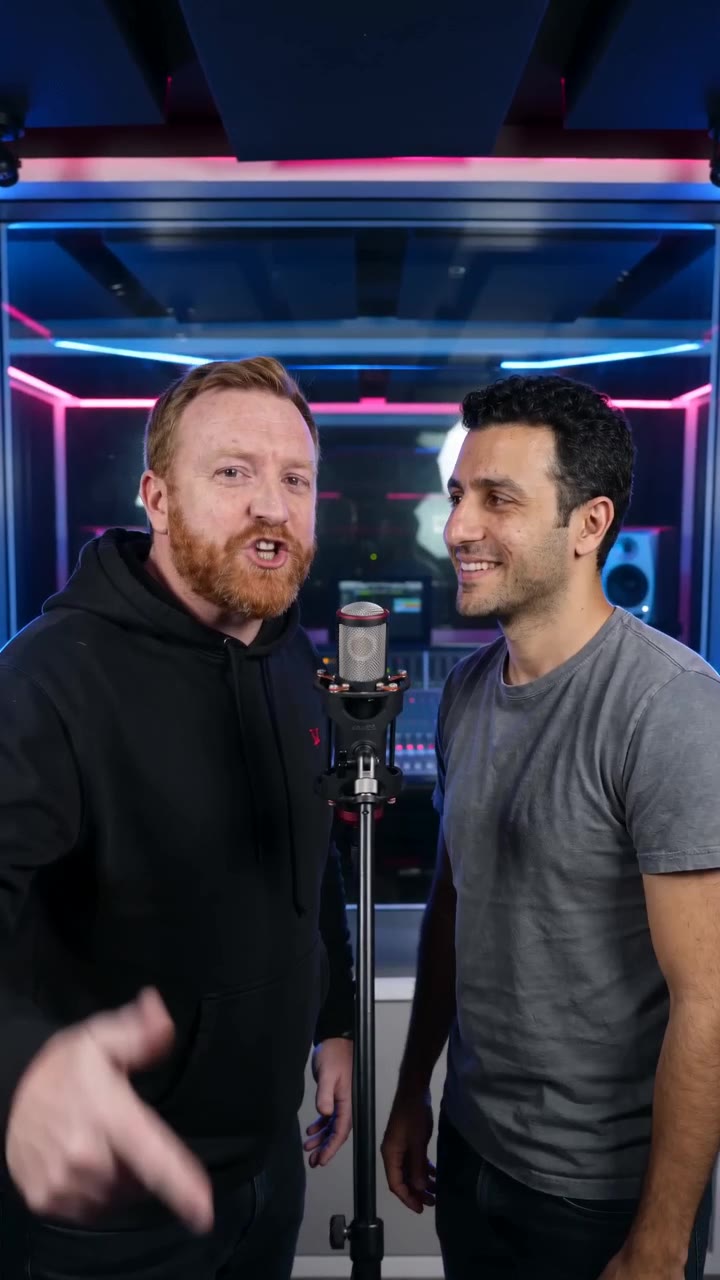
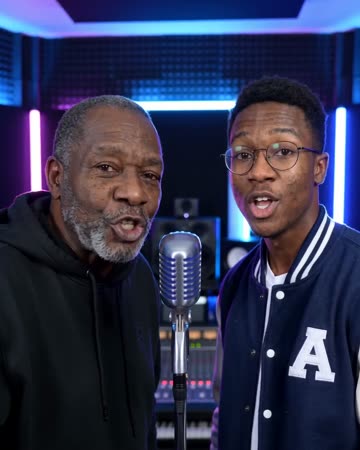
This direction is built around cheeky poses and reaction beats rather than aggressive action. The image supplies a lighthearted face-off that you can pair with your own playful rhymes. The preset requests lighthearted original teasing lines and a beat.
Use a short exchange for a friends' challenge, a fictional rivalry or a humorous team introduction. Keep the setup and closing reaction in the same edit so a clipped line does not lose context.
Inside this effect
Playful rivalry, readable reactions
Small stage poses and cheeky expressions make a friendly face-off between two people. Keep the setup and response together so a short reaction does not lose its playful context.
What makes the composition readable
Agree on the joke before making the edit. A recognizable shared habit can be a better subject than a claim about someone's private life, and a clear reaction keeps the tone legible.
Sound in a new creation
Brief original teasing lines sit over a playful beat. Listen to the wording; the form has no custom diss-lyrics input.
Choose the output for your edit
New drafts start at 12 seconds, 720p and vertical 9:16. Advanced shows the models and compatible lengths, resolutions and formats. Check the total credits before generating; the options follow the selected model.
From source photo to finished clip
Add one clear portrait per person or use a shared photo. In separate-photo mode, check the prepared two-person composition before submitting.
Set the tone together
Agree on a friendly premise for the final edit; exact jokes can be added as captions rather than entered into this fixed preset.
Select a legible face-off
Check that poses and reactions look friendly rather than confusing or hostile.
Keep the context in the edit
Add your lines and a closing reaction, then review the complete exchange before sharing.
Ways to use the result
A fictional team rivalry
Introduce two friendly teams with your own captions, then let the reaction shot provide a comic pause.
A shared-habit joke
Build the joke around a habit both participants recognize, with an affectionate closing message in the edit.
Prepare the source for this movement
- Choose participants who are comfortable with the joke.
- Use a clear duo image with separate facial outlines.
- Leave visible space for restrained hand gestures.
The preset generates a brief original teasing rap and a beat; it does not verify statements or infer intent. Listen before posting and ensure the audio and visuals remain friendly.
Frequently asked questions
Does this write insulting lyrics automatically?
The preset generates brief original teasing lines. There is no custom-lyrics field; listen to the result and keep the joke within a tone everyone shown accepts.
Why include the other person's reaction?
A visible smile or playful response helps viewers understand the exchange as a shared joke rather than an isolated accusation.
Can it replace a real argument with a performance?
It cannot establish consent or resolve context. Start with a planned fictional exchange rather than treating generated poses as evidence of real events.
What distinguishes it from a technical rap battle?
This direction prioritizes a humorous visual reaction. It offers no lyrical scoring, delivery analysis or competitive performance evaluation.
Does the system verify the words it says?
No. Treat the lines as a fictional performance, listen before sharing and add factual information only through your checked edit.
Can it copy a famous diss track?
This preset makes a short original exchange, without a named recording, artist voice or exact lyrics control.
Where is the cost shown, and what if generation fails?
The generation button shows the total for your selected model and output settings. Credits are deducted when the task is created; credits for a task confirmed failed are returned. Review the displayed total rather than assuming every model costs the same.
Explore another direction
AI Rap Battle
Native-audio performance · photo to video
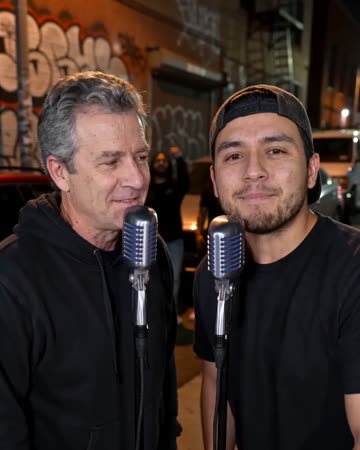
The blue-and-red studio keeps both performers visible at separate microphones. A playful line draws the other person’s reaction, followed by an answer and a friendly shared finish.
AI Duo Rap Video
Native-audio performance · photo to video
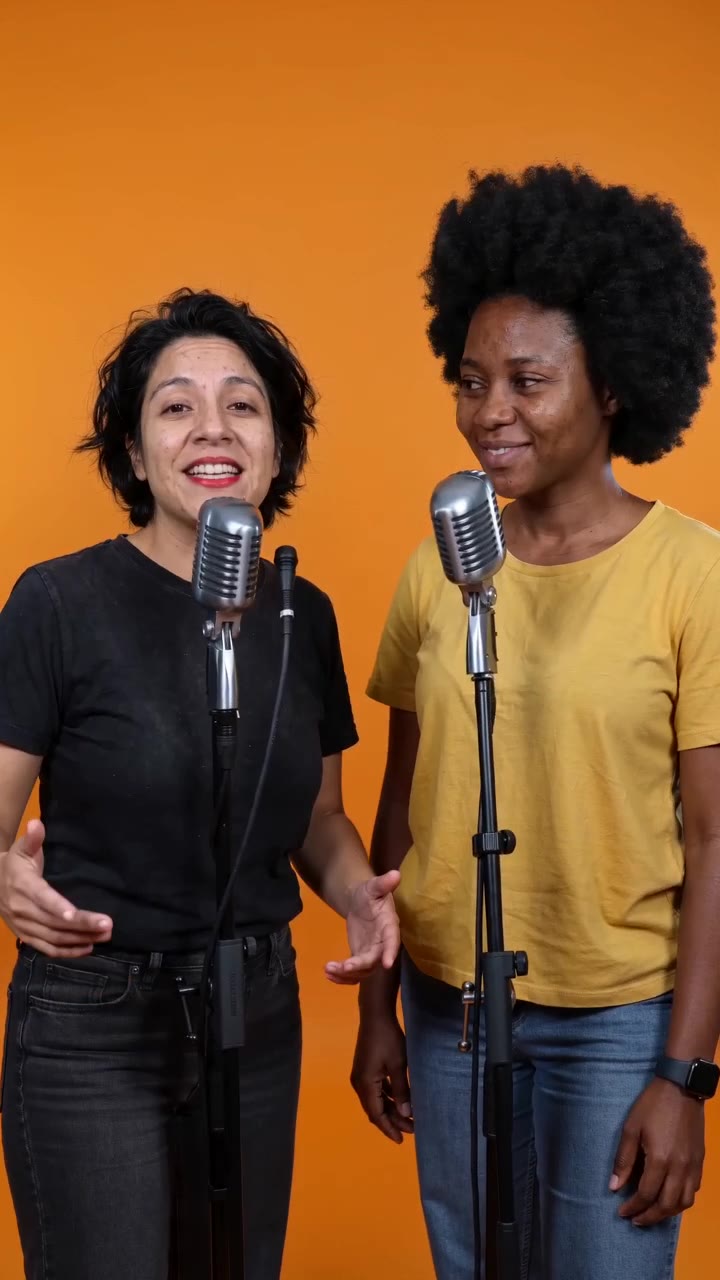
The pair trade original phrases at separate microphones in an uncluttered orange booth. The listener reacts before taking the next turn, and both end facing the audience.
Funny Birthday Video
Native-audio performance · photo to video
A blue-and-red studio hosts a playful greeting, a friendly surprised look and a laugh. A solo photo keeps the greeting and reaction with one person; a pair can respond to each other.
AI Diss Track Video
Agree on a friendly premise for the final edit; exact jokes can be added as captions rather than entered into this fixed preset.
Create this effect