TikTok AI Trend Workflow: Source, Test, Edit and Publish
A trend usually combines several decisions: an action, a recognizable visual reveal, audio and an edit point. Naming the effect is only the first step toward reproducing that structure. This guide does not publish to TikTok, supply trending audio or promise distribution. Platform rules and music availability change, so check the actual publishing interface.
Prepare your trend clip
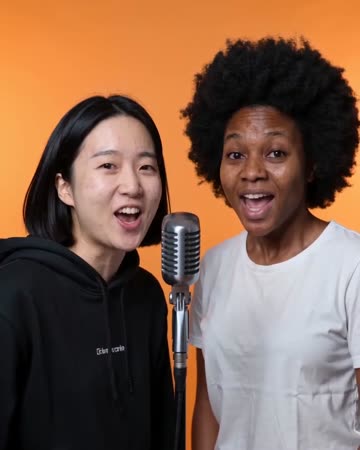
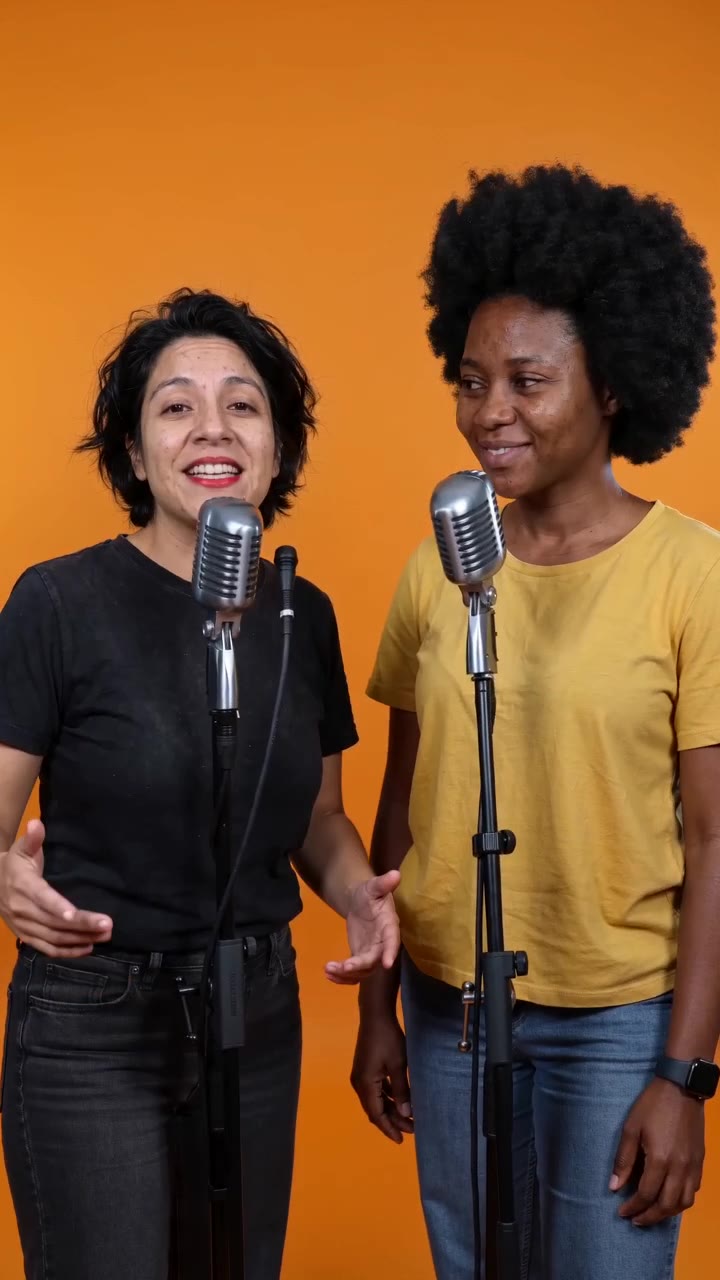
- Match the photo to the action: use enough room around the body for movement and reveals.
- Review faces, hands and the vertical crop in the generated clip before editing.
- Add your chosen audio and check music availability in the publishing app; this page does not post for you.
Frequently asked questions
Should I copy the example's exact photo composition?
Match the action's needs first, then adapt the framing to your subject rather than copying an unsuitable crop.
Where does the trend's music get added?
Native audio is enabled: each preset requests matching vocals, music or sound effects. It does not automatically include a trend's original track; continue in your publishing tools if needed.
Does selecting a trend guarantee views?
No. An effect does not guarantee audience response or platform distribution.
What should I check before publishing the trend clip?
Review facial changes, limb errors, text visibility and the final phone crop, then verify the audio and platform settings.