Small-Business AI Promo: Introduce the Owner First
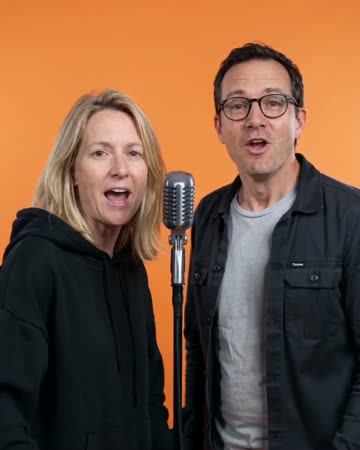
An owner-led opener gives a shop promotion a human starting point. This preset adds natural introductory gestures and a slow approach before you cut to real products or services. The preset requests a short original promotional rap and upbeat music.
Pair the owner shot with real storefront and product footage. Add current opening hours, prices and a contact method as editable text so updates remain accurate.
Inside this effect
Let the owner open the story
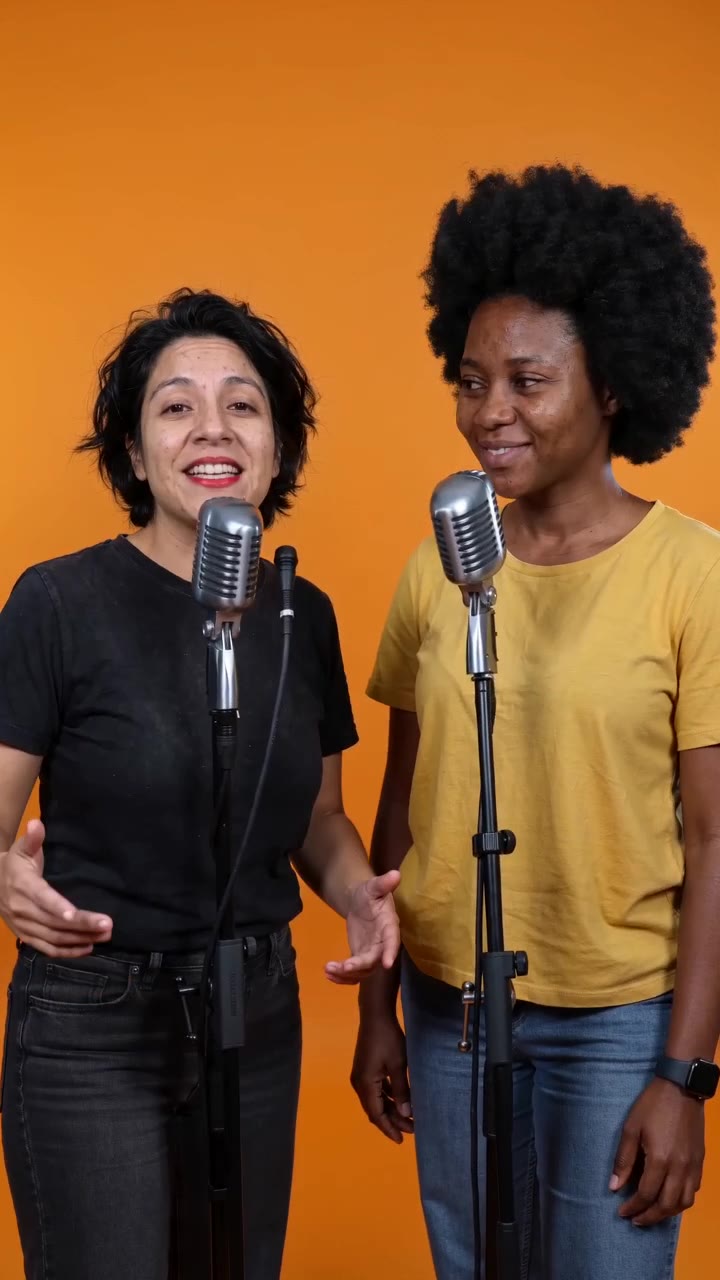
A business owner or pair performs a friendly short introduction in an orange booth. The scene finishes with a gesture toward the camera, leaving product details to real footage and checked captions.
What makes the composition readable
Decide what the viewer should do next: visit, ask a question or see a product. The generated introduction supports that message; it cannot replace evidence of what the business actually sells.
Sound in a new creation
An original introductory rap and upbeat backing supply energy. The page does not insert a shop name, offer or product claim into the lyrics.
Choose the output for your edit
New drafts start at 12 seconds, 720p and vertical 9:16. Advanced shows the models and compatible lengths, resolutions and formats. Check the total credits before generating; the options follow the selected model.
From source photo to finished clip
Start with a solo or shared photo, or choose two separate sources when the idea includes a pair. Confirm the crop and current settings before generating.
Pick one customer action
Write the single next step the promo should encourage.
Check the owner introduction
Review the face and gesture, rejecting invented product or sign details.
Attach real shop information
Add product evidence and accurate contact details in the editor.
Ways to use the result
Open a product demonstration
Start with the owner’s face, then cut to a real demonstration and an accurate call to action.
Introduce two founders
Show the partners together and follow with their actual roles and work rather than generated testimonials.
Prepare the source for this movement
- Use the actual owner's clear portrait.
- Keep the torso visible for introductory gestures.
- Do not rely on tiny signage in the source.
The preset can generate a brief original promotional vocal and music, but has no shop-name, price or custom-copy field. Verify generated signage, merchandise and wording; they do not substantiate claims, inventory or testimonials.
Frequently asked questions
Can it display my phone number correctly?
Do not depend on generated lettering. Add the verified number as a separate text layer.
Can I advertise a precise product color?
Use real product footage for color-critical claims; generated lighting can shift material and color appearance.
Is a long sales script required?
A clear opening purpose is enough for this shot. Put the detailed offer in your separately prepared narration.
Should the whole advertisement be generated?
Use this as an introduction and show real evidence afterward, especially for products, premises and service results.
Can it show my real stock or prices?
There are no product, price or inventory fields. Add current business facts using your own footage and editable graphics.
Can I put a logo inside the generated booth?
The fixed preset has no logo-placement control. Add your approved logo in the editor after download.
Where is the cost shown, and what if generation fails?
The generation button shows the total for your selected model and output settings. Credits are deducted when the task is created; credits for a task confirmed failed are returned. Review the displayed total rather than assuming every model costs the same.
Explore another direction
AI Rap Video
Native-audio performance · photo to video
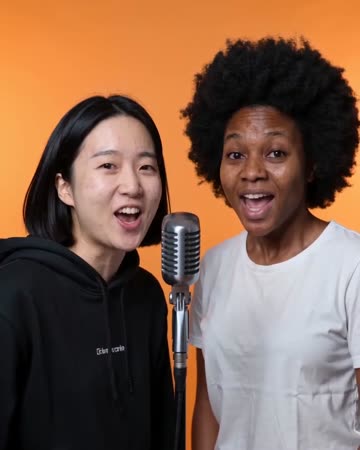
One portrait creates a solo lead; a pair exchange short lines at separate microphones. The uncluttered orange set gives the gestures a clear outline, ending with attention toward the camera.
Red Carpet AI
event teasers
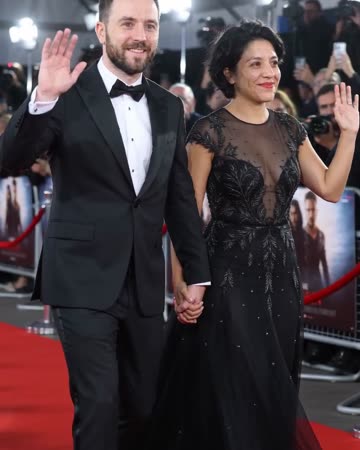
Formal eveningwear, a small forward step and a wave establish the arrival. Camera flashes alternate around the source people while the face and body remain the visual anchors.
Live Concert AI
Native-audio performance · photo to video
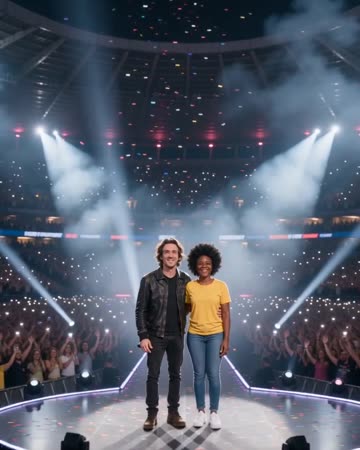
Audience lights establish a wide stadium before the camera approaches the source performers. Sweeping spotlights and light confetti lead to a shared wave toward the crowd.
AI Promo Video for Small Business
Write the single next step the promo should encourage.
Create this effect