AI Dance Video: Give Feet and Hands Room to Move
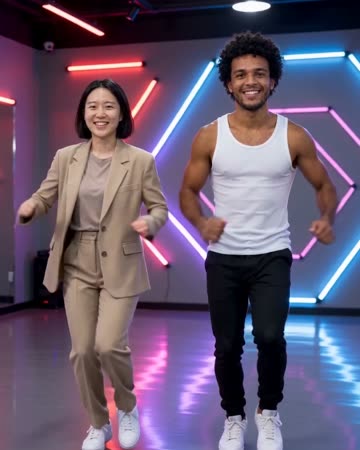
This dance direction uses small steps, shoulder movement and a final pose on a simple stage. The whole-body outline matters more than a dramatic facial close-up. The preset requests an original dance beat and synchronized footstep sounds.
Use a short section as a dance-account intro or a playful character insert. Select music after reviewing the actual movement, then trim to a natural ending pose.
Inside this effect
Side steps, shoulder rhythm, final pose
A neon-lit studio frames complete bodies performing an original short sequence. Side steps, shoulder bounces and light arm gestures lead into a settled final pose with stable spacing.
What makes the composition readable
Hands and feet need visible space throughout the crop. Missing lower legs force the model to invent the stance, and tightly crossed limbs make motion harder to follow.
Sound in a new creation
An original dance beat and synchronized footstep cues accompany the motion, not an uploaded song’s choreography.
Choose the output for your edit
New drafts start at 12 seconds, 720p and vertical 9:16. Advanced shows the models and compatible lengths, resolutions and formats. Check the total credits before generating; the options follow the selected model.
From source photo to finished clip
Start with a solo or shared photo, or choose two separate sources when the idea includes a pair. Confirm the crop and current settings before generating.
Prepare the complete stance
Check the selected ratio does not crop away hands or feet.
Inspect each limb
Watch knees, ankles and fingers at normal speed and during the ending pose.
Cut to the movement
Listen to the original beat and footfalls, checking their coordination with the visible dance before choosing cut points.
Ways to use the result
A full-body character intro
Let the final pose become the point where the person’s name appears, with hands and feet visible beforehand.
A beat between real clips
Use the short sequence as a change of pace, then return to footage with matching body direction.
Prepare the source for this movement
- Show the full body, including shoes.
- Leave clear gaps around hands and elbows.
- Avoid starting with a complicated crossed-leg pose.
The preset generates dance motion and a beat, not reference-dancer tracking or exact choreography. Complex limbs can distort even from a clear source; review beat and footstep coordination.
Frequently asked questions
Can I upload a dance tutorial to copy?
This form accepts a photo, not a reference video for motion transfer.
Why is a headshot unsuitable for full-body dance?
It contains no reliable body or footing information, leaving much more anatomy to inference.
Are the moves synchronized with a song?
The preset generates an original beat and coordinated movement. It does not accept an external song for beat analysis; inspect and edit after download if you need exact timing to a specific track.
What is a useful place to end the clip?
A stable final pose usually provides a cleaner cut than a frame mid-step or during a distorted limb transition.
Can I choose exact dance steps?
The fixed preset supplies its own sequence. There is no motion-reference or step-by-step choreography input.
Can a two-person source stay together?
A shared photo or separate sources can supply a pair. Leave space around both bodies and review their spacing through the sequence.
Where is the cost shown, and what if generation fails?
The generation button shows the total for your selected model and output settings. Credits are deducted when the task is created; credits for a task confirmed failed are returned. Review the displayed total rather than assuming every model costs the same.
Explore another direction
Gas Station AI Trend
Native-audio performance · photo to video
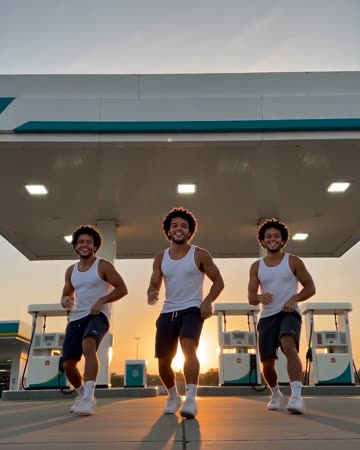
A wide forecourt dance cuts to a smiling selfie close-up, then to the same lead beside an open car door. A second visible source can remain as a consistent companion.
Slow Dance AI
anniversary
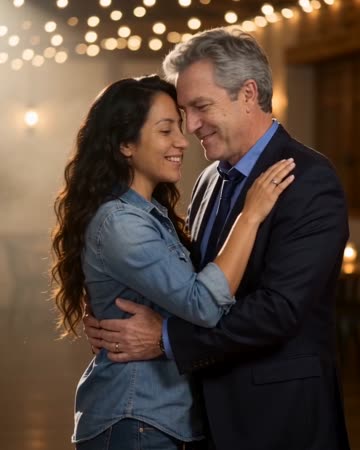
Two people take a comfortable dance hold, sway together and complete a gentle turn beneath warm lights. A slow camera arc keeps attention on the faces before a relaxed embrace.
Bullet Time AI
sports concepts
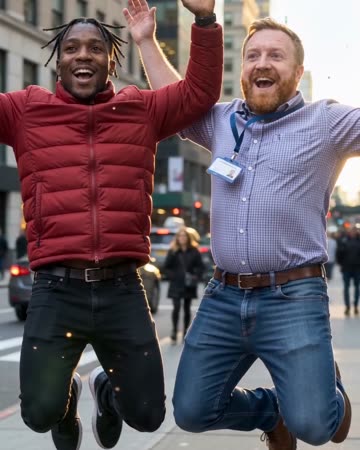
The source subjects leap, slow to an almost suspended pose and remain airborne during a short lateral camera arc. Shifting background parallax supplies the sense of moving around the moment.
AI Dance Video
Check the selected ratio does not crop away hands or feet.
Create this effect